Blackbox: Rebooting an Inventive Puzzle Game for VisionOS »

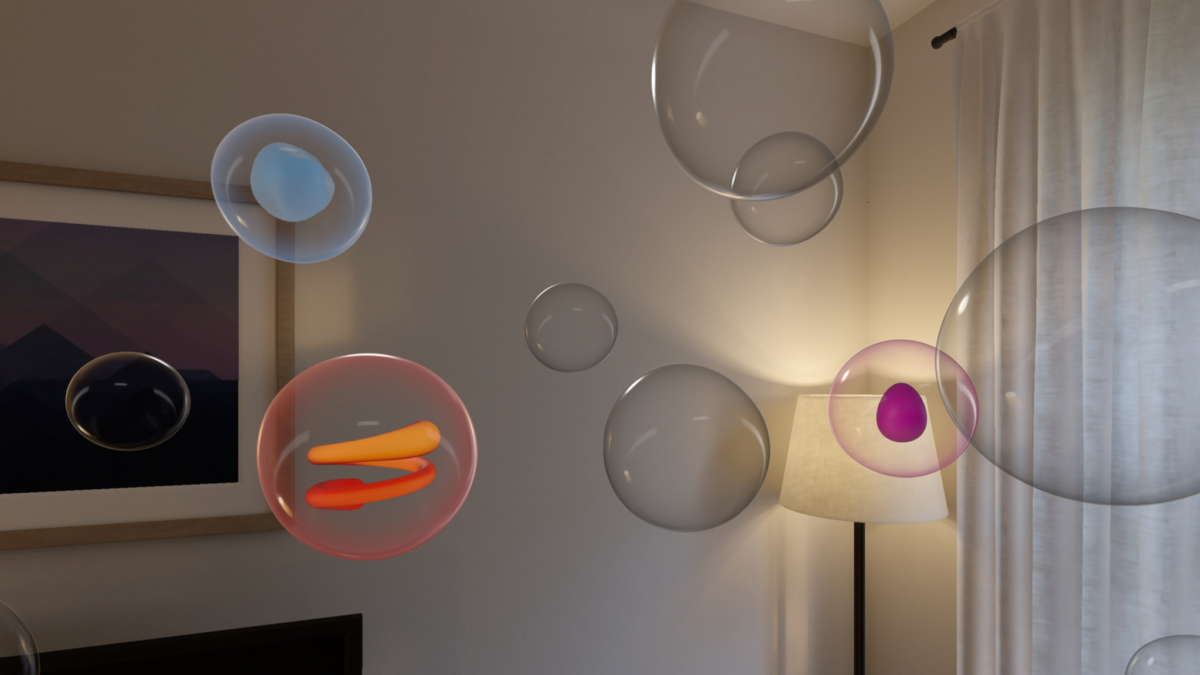
Developer Ryan McLeod is featured on the Apple Developer blog to talk about bringing his app Blackbox to Apple Vision Pro and turn his game into a spatial computing experience.

From the Apple Developer blog:

If you’ve ever played Blackbox, you know that Ryan McLeod builds games a little differently.

In the inventive iOS puzzler from McLeod’s studio, Shapes & Stories, players solve challenges not by tapping or swiping but by rotating the device, plugging in the USB cable, singing a little tune — pretty much everything except touching the screen.

“The idea was to get people in touch with the world outside their device,” says McLeod, while ambling along the canals of his Amsterdam home base.

In fact, McLeod freed his puzzles from the confines of a device screen well before Apple Vision Pro was even announced — which made bringing the game to this new platform a fascinating challenge.

I briefly had the chance to talk with Ryan at WWDC after it was announced he’d been developer for the device in early access, and it got me thinking about how Shortcuts could work in spatial computing – fascinating to consider.
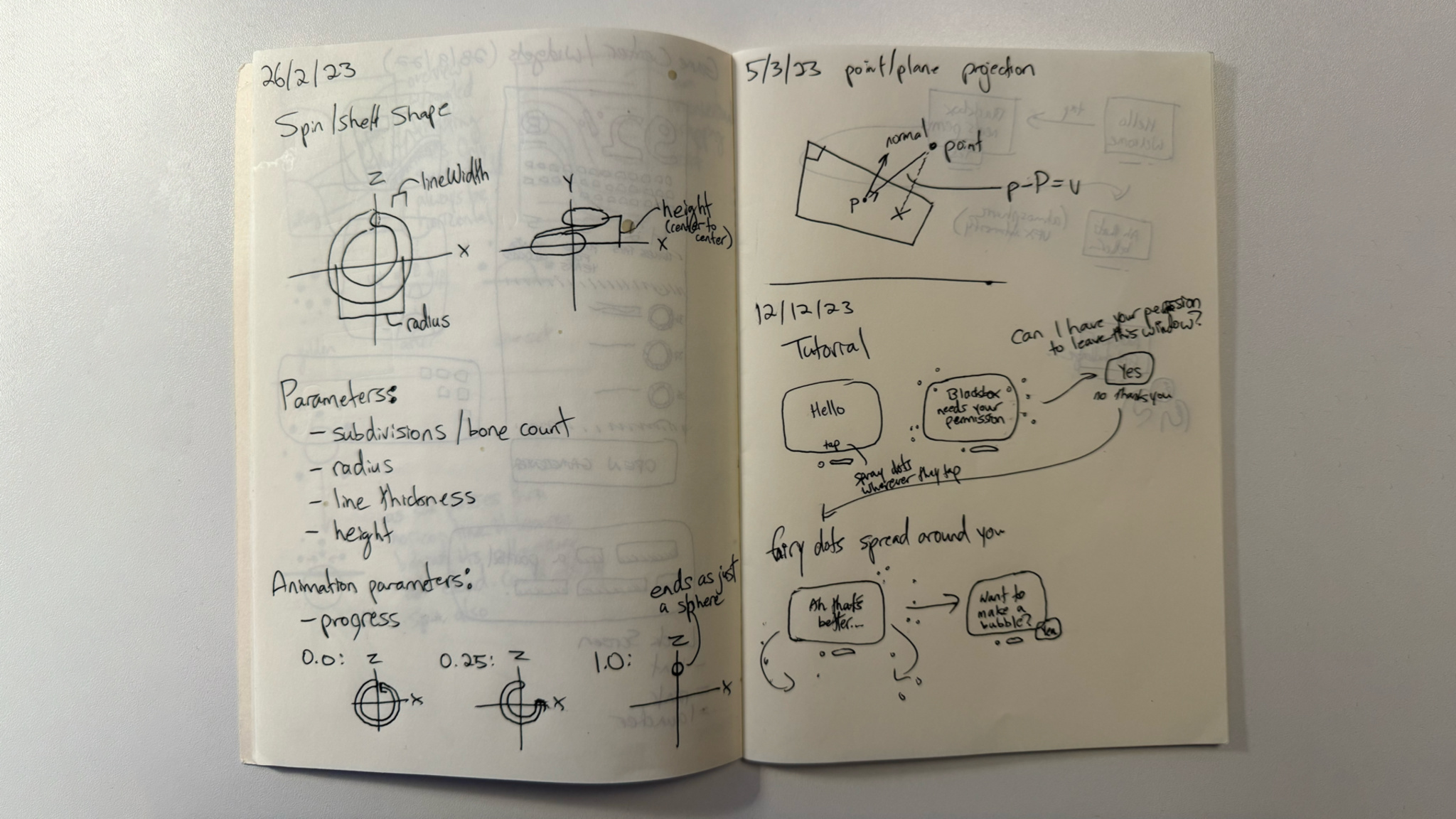
This image of his notebook from the story is very cool to look over in particular.

View the full story on the Apple Developer site.

Posts You Might Like

Automatically switch to a different app every time you open Twitter »
Jay Robinson shared this great Automation idea for building better social networking habits – automatically switch to a different app when you use a particular network.
App Intents: Grouping Parent Parameters Using a Unified Entity Approach
Streaks developer Quentin Zervaas shared this great technique for working with complex parent parameters in App Intents – grouping them into a single, separate entity.
iPhone 15 Pro Action Button Option for Shortcuts Potentially Revealed in iOS 17 Code »
Code has been found suggesting the Action button is coming to the next iPhone – here’s why I think the Shortcuts support needs to be improved.
Automatically Trigger iPhone Low Power Mode Earlier (with Shortcuts) »
Tim Hardwick at MacRumors has a write-up for how to use the Low Power Mode automation in Shortcuts to set a custom value – which I use on iPad every day.