What’s New in Shortcuts – Issue #073
Welcome to Issue 73 of “What’s New in Shortcuts”! This week we saw the second Public Beta of iOS, iPadOS, and macOS — which meant
Welcome to Issue 73 of “What’s New in Shortcuts”! This week we saw the second Public Beta of iOS, iPadOS, and macOS — which meant
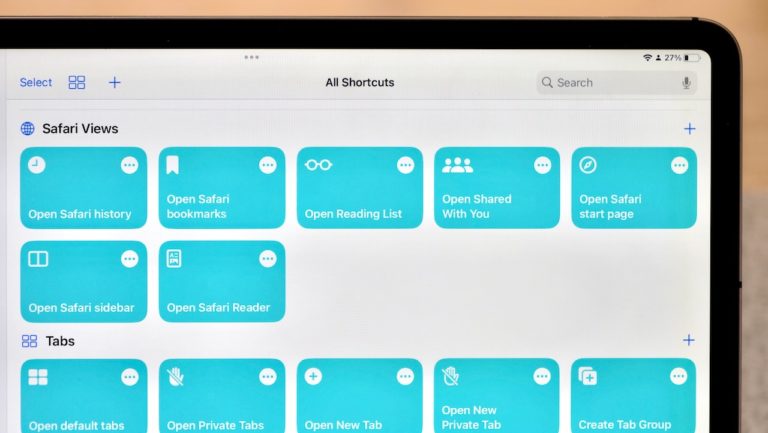
In my piece for iMore on iOS 16 public beta 2, I covered the new set of actions for Shortcuts that work with Safari, Mail, and Reminders.
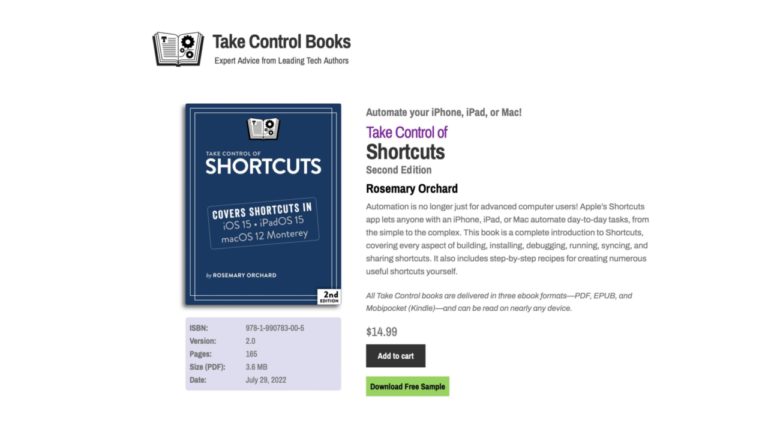
Rosemary Orchard has released the second edition of her book Take Control of Shortcuts, a guide to everything Shortcuts for iPhone, iPad, and Mac.
I am writing this post because I am frustrated with the fact that Shortcuts shows personally identifiable information about me when live-streaming about the app,
Tune into the latest episode of Shortcuts Live, where I streamed for a little over an hour covering the new Find Tab action that I discovered in iOS 16 public beta 2.
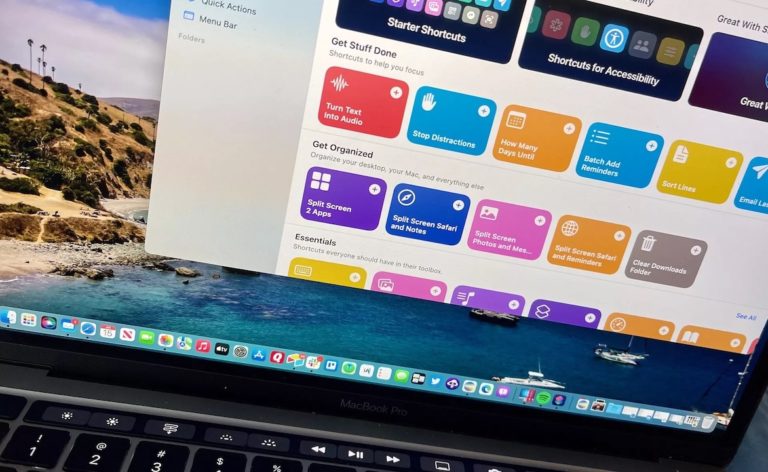
For such an important app, Apple needs to do a lot more to onboard first time Shortcuts users and get them familiar with the app and how to build in it
Welcome to issue 72 of “What’s New in Shortcuts!” — this week is a quieter mid-summer period where we didn’t see any news, but there’s
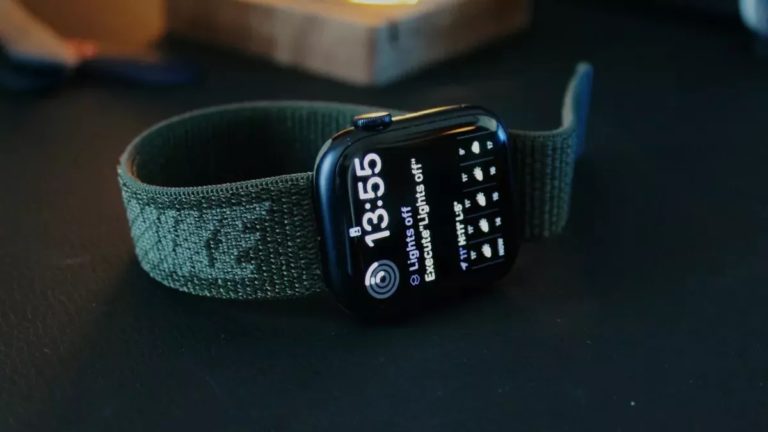
Media, HomeKit, Notes, and more — my story for iMore shows you the best areas to focus on when trying to get things done on your wrist.
My guest spot on iOS Today on TWiT where we talked about how to personalize your custom Focus modes in iOS 15 or iOS 16, from silencing specific notifications to switching screens based on location.
Yours truly for iMore: Safari has gained six actions of its own so far in the betas: 1. Open View 2. Open New Tab 3.
Welcome to issue 71 of “What’s New in Shortcuts” — the public betas are finally here and more of you can play around with the
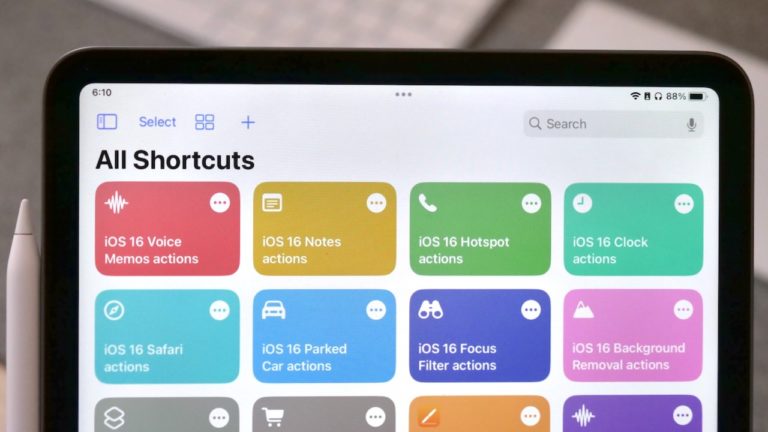
In the first public beta of iOS 16, Shortcuts has a whole new set of actions to build with — here’s what’s available (so far).
Welcome to Issue 70 of “What’s New in Shortcuts” — we are very close now to the public beta, and with that comes a new
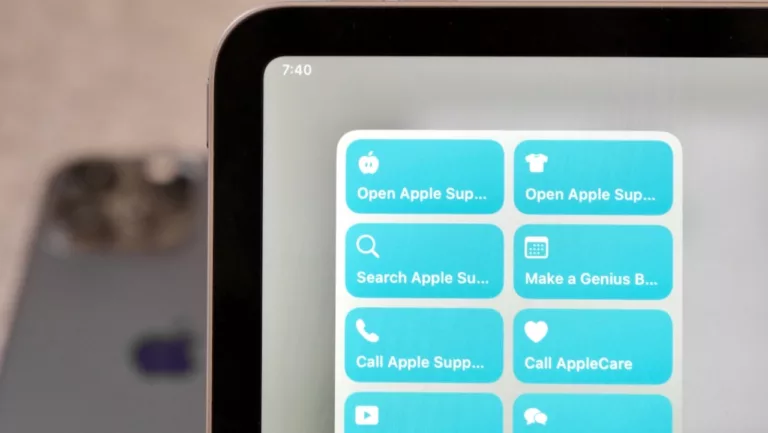
Yours truly for iMore: Apple’s Support resources are incredibly helpful when you’re running into issues, need to repair a device, or for learning more about
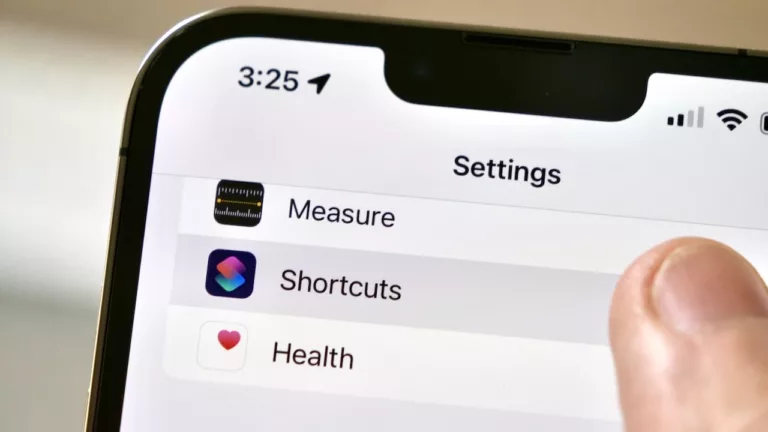
I want your hottest take — is Shortcuts just a tool for power users or can the “average” user truly get in on all the potential? I wrote about this hard question for Apple to answer on iMore.
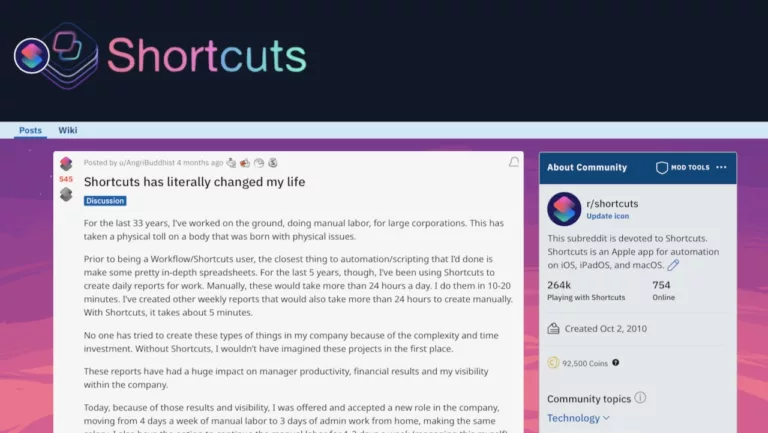
From manual labor to generating daily reports with a huge impact on his business’ bottom-line, here’s the story of how one Redditor’s life change thanks to Shortcuts.
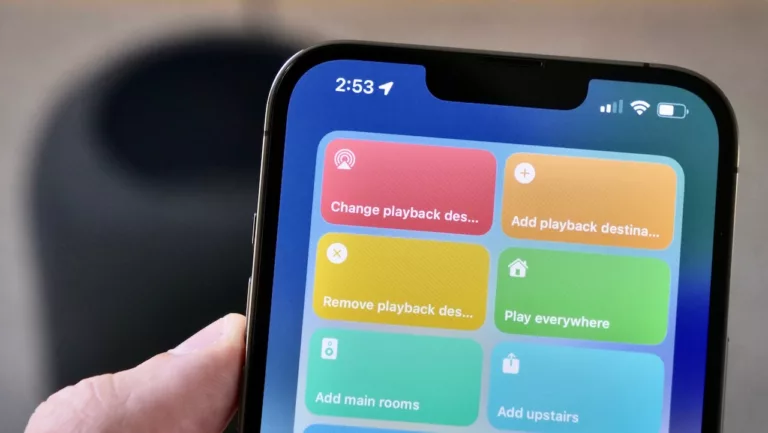
Yours truly for iMore: In iOS 15.4, Apple added new parameters to the Set Playback Destination action that updated the capabilities from being able to
Hello readers! It’s been a while — I took a break from this newsletter while working on try big Shortcuts Library rerelease (more below) and
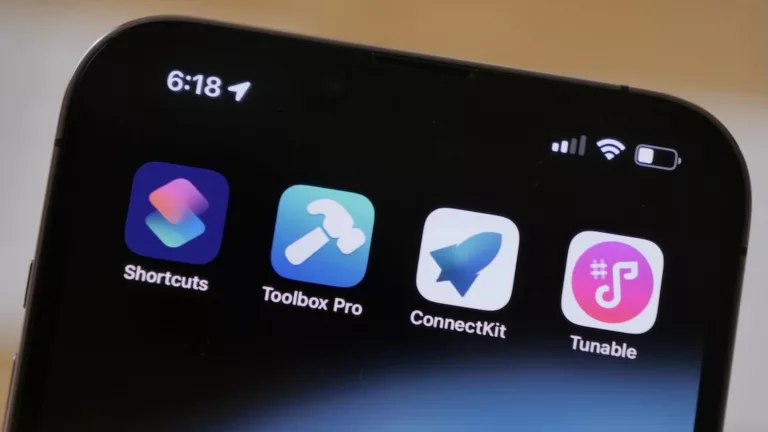
I interviewed three app developers about Apple’s latest improvements to the Shortcuts APIs for iMore: Apple’s newest framework for implementing Shortcuts support in iOS, iPadOS,
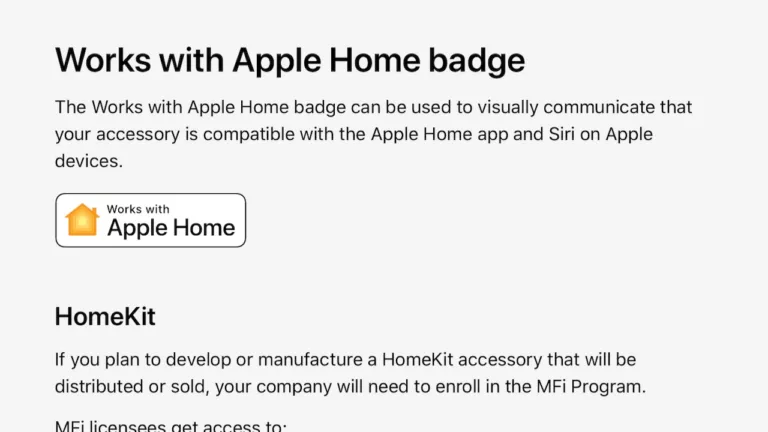
Developer Aaron Pearce on Twitter: Apple is now recommending developers use the term “Works with Apple Home” instead of “Works with Apple HomeKit”. Apple is