On this episode of Smart Tech Today, Mikah and I talked about the original Apple Watch designs, lots of Google updates, the latest in virtual hangouts, and my shortcut to change the color of my lights based on my current calendar event:
On this episode of Smart Tech Today, Mikah and I talked about the original Apple Watch designs, lots of Google updates, the latest in virtual hangouts, and my shortcut to change the color of my lights based on my current calendar event:
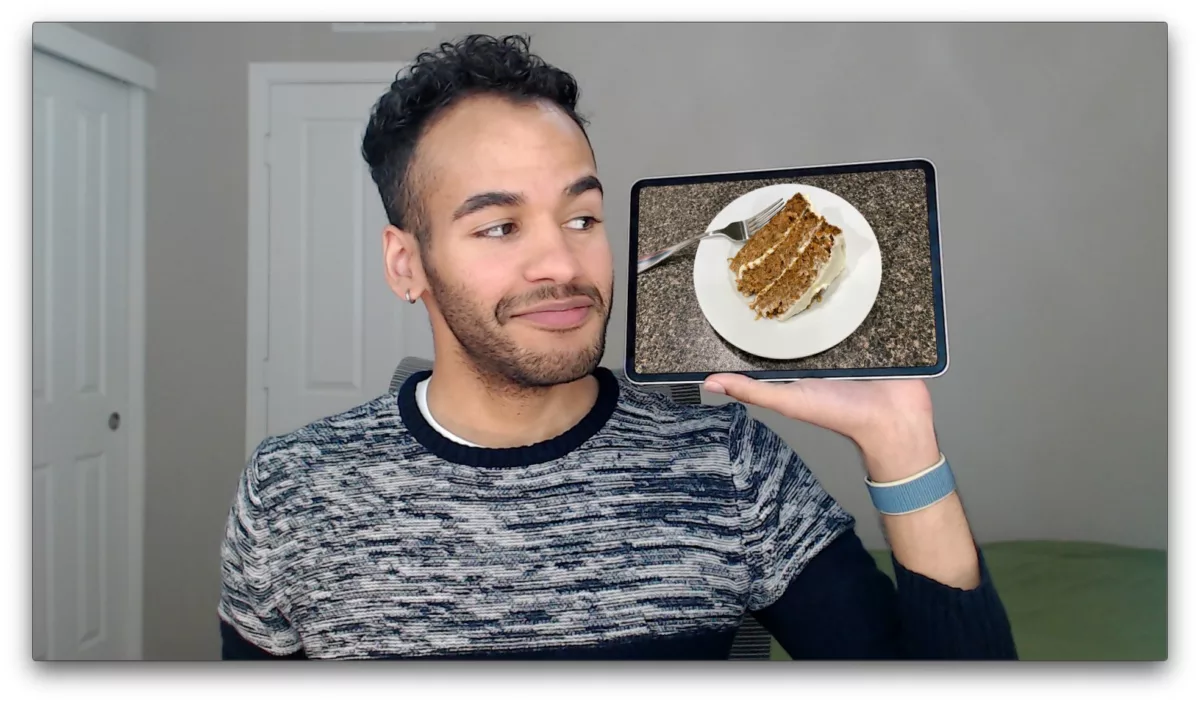
On this episode of Smart Tech Today, Mikah and I talked about:
On this episode of Smart Tech Today, Mikah and I talked about:

On this episode of Smart Tech Today, Mikah and I talked about:

On this episode of Smart Tech Today, Mikah and I talked about:
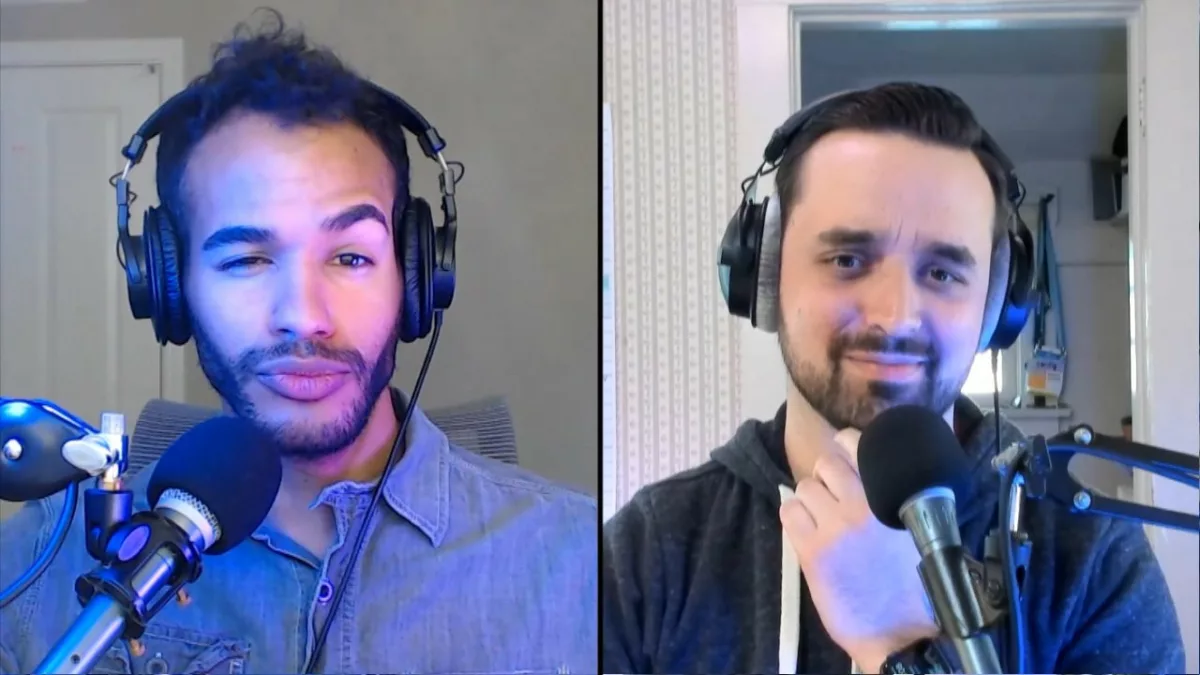

On this episode of Smart Tech Today, Mikah and I talked about:
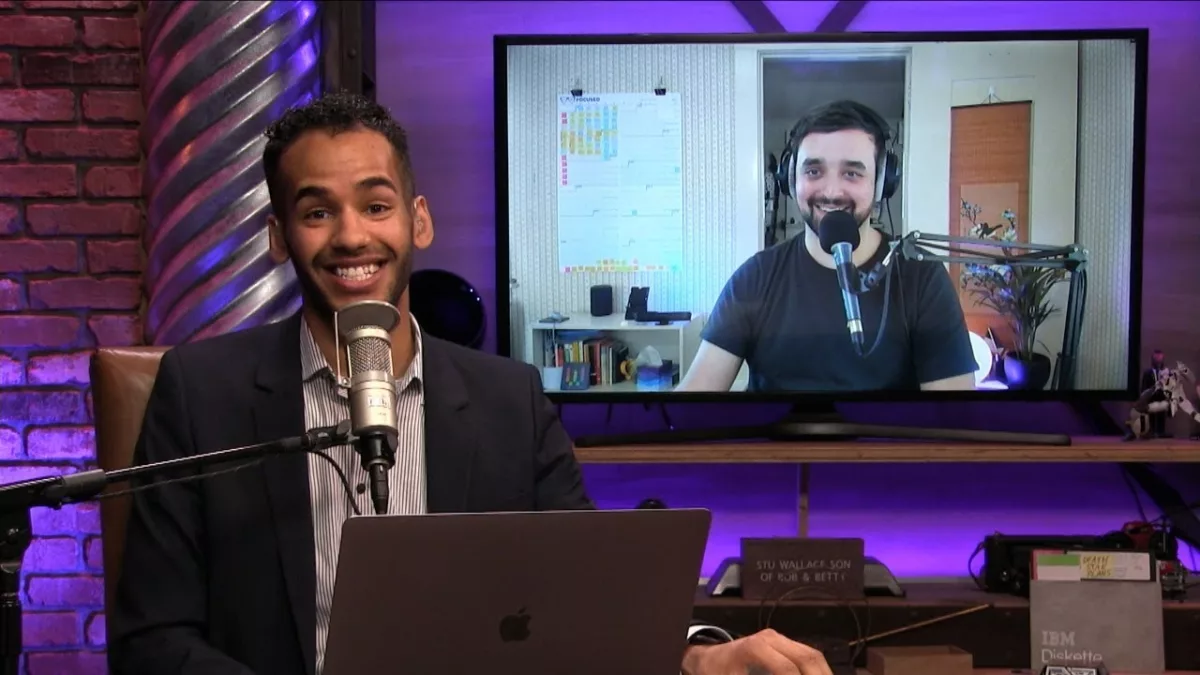
On this episode of Smart Tech Today, Mikah and I talked about:
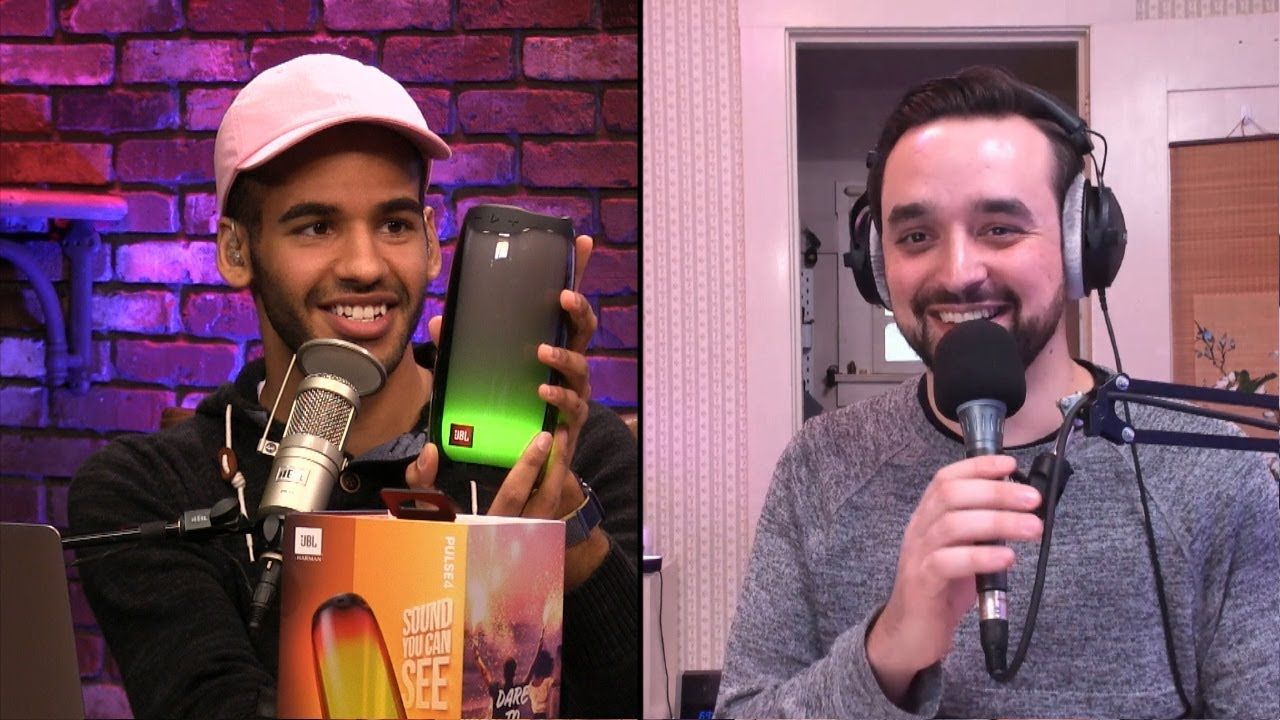
On this episode of Smart Tech Today, Mikah and I talked about:
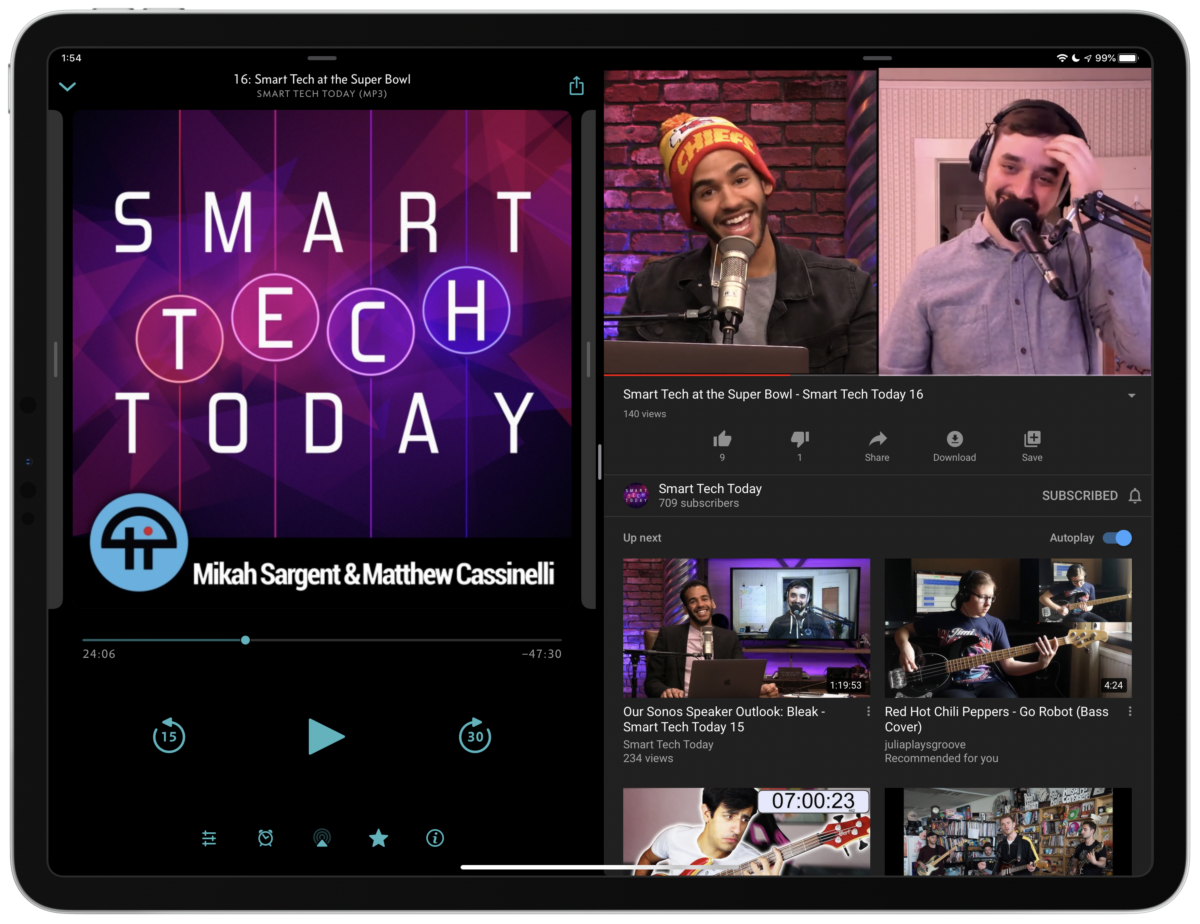
If you didn’t already know, my podcast Smart Tech Today comes with a video feed now – you can download a full video feed in Podcasts, or subscribe to the YouTube channel to get the episodes every week, or watch live on Twitch every Monday at 4pm PST.

While the show is designed as an audio podcast, our network This Week in Tech produces the video so anyone can watch too – I have lots of fun being on camera with Mikah.
Being a podcast that’s also “video capable,” I’ve always thought it’s a shame that it’s not easier to listen when you want to, or watch when you want to, with a way to switch between both on the fly.
If you’re on Overcast user, you’re in luck – I’ve solved the problem in one direction, taking Overcast’s “Share URL with timestamp” Siri Shortcut and combining it with YouTube’s timestamps feature to let you jump into the video feed at a moment’s notice.1

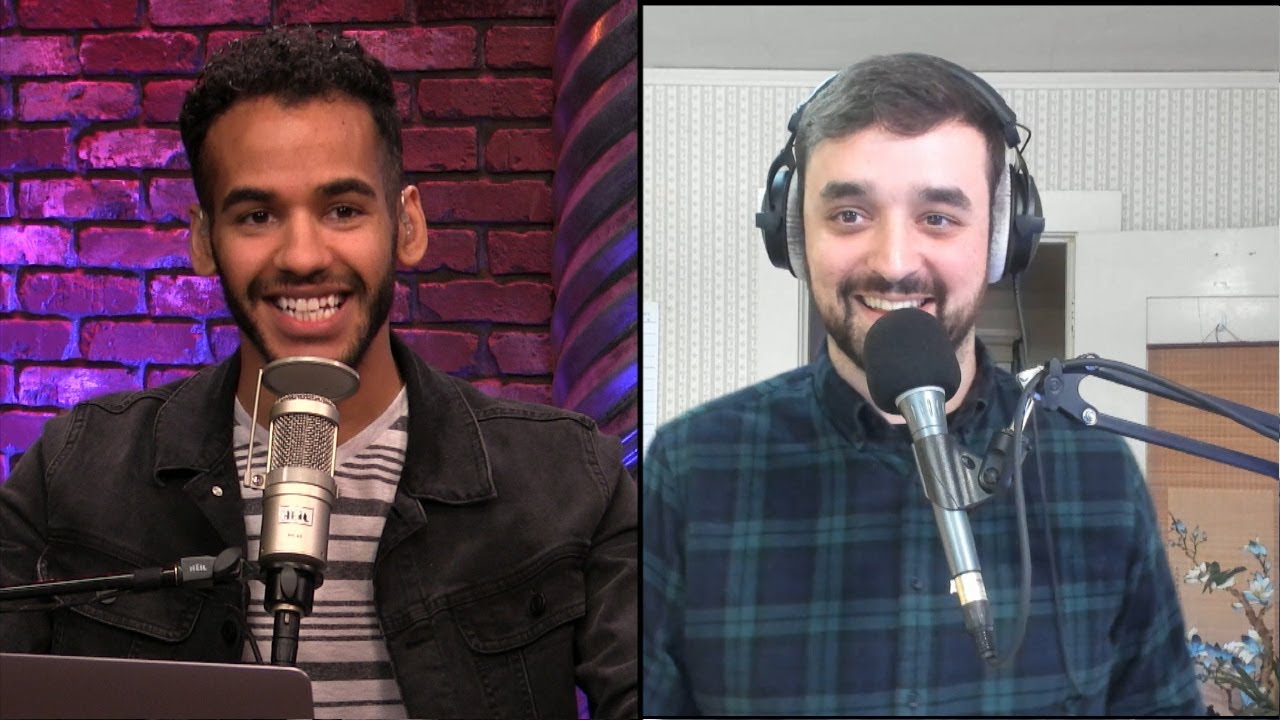
On episode 14 of Smart Tech Today, Mikah and I talked about what I saw at CES 2020.
But before I get to what we covered in the show, I have exciting news – Smart Tech Today is now available as a video show in addition to our regular podcast feed!
We’ve always had the cameras on for our livestream, but the show’s been doing well enough to add in video production as well.
So, make sure to subscribe on YouTube if you want to watch along afterwards, or add the video podcast feed to get them delivered directly in Apple Podcasts.
On episode 11 of Smart Tech Today, Mikah and I covered a K-Pop rapper’s AirPods problem, Samuel L. Jackson on your Echo, and Sling TV on your Google Nest Hub:
On our tenth episode of Smart Tech Today, Mikah and I talk about these stories:
On episode 8 of Smart Tech Today, Mikah and I talked about:
On episode 7 of Smart Tech Today, Mikah and I talked about the following:
On this episode of Smart Tech Today, Mikah and I talk about:
On this episode of Smart Tech Today, Mikah and I talk about:

Mikah Sargent and I have recorded episode 2 of Smart Tech Today, this time over Skype and on the Twitch livestream. Here’s the description from the TWiT page:
Plus, here’s a set of Siri Shortcuts I created last week for subscribing and listening to the show:
We’ll be live next Monday at our usual 4pm PST – thanks for listening along so far!
Links for the show:
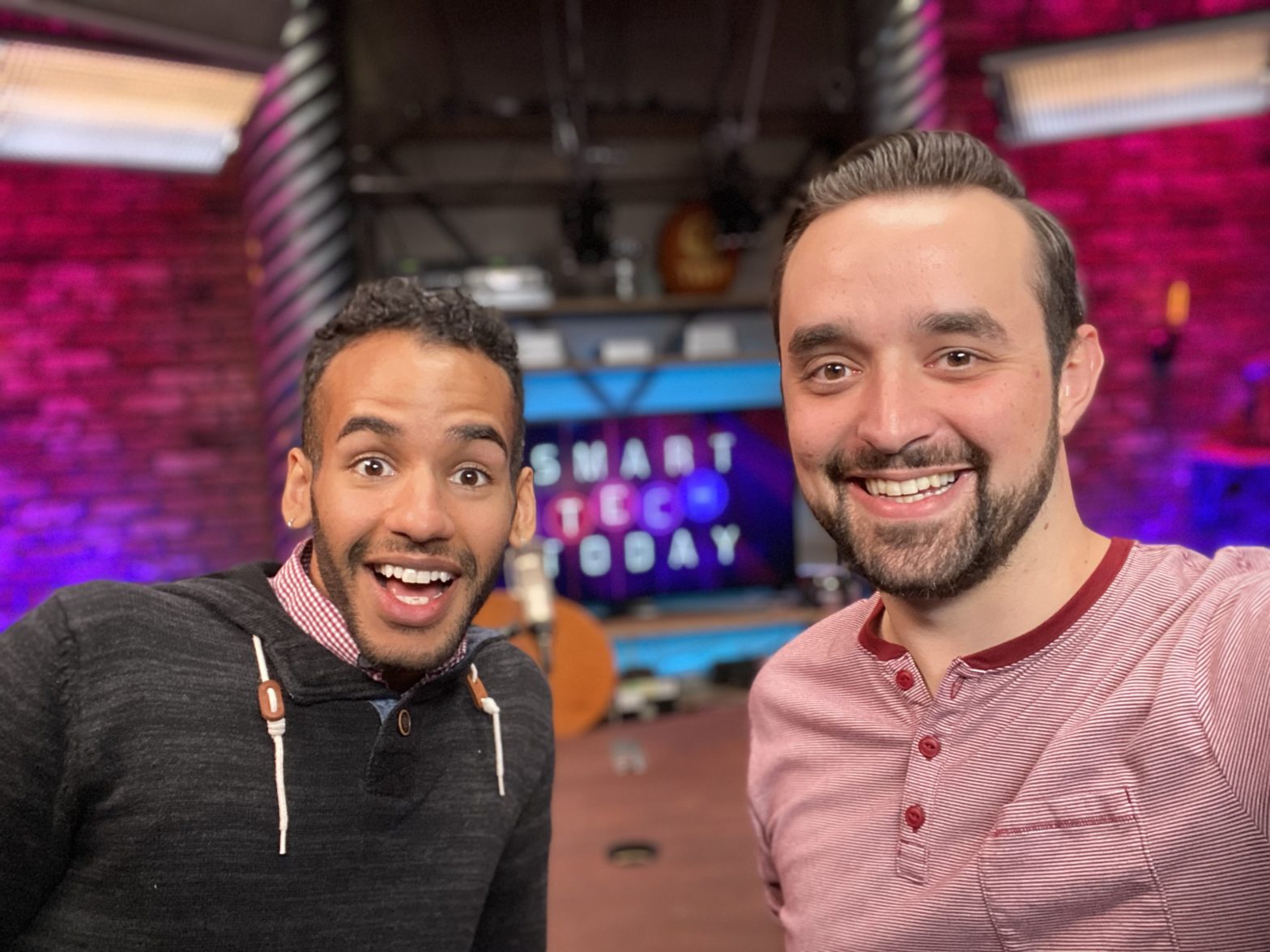
On Monday, Mikah Sargent and I recorded episode 1 of Smart Tech Today in person at the TWiT studio. In the show, we:

Here’s Mikah and I after recording – had a blast! We’re off to a great start, but any help sharing the show to new people still goes a long way.
Once we hit 30,000 subscribers, we’ll have a full video feed of each episode too, available on our YouTube channel:
Plus, here’s a set of Siri Shortcuts for subscribing and listening to the show:
We’ll be live every Monday at 4pm PST, with the episode dropping later each evening. Thanks for listening!
Links for the show: