Categories
Gear Shortcuts

4 types of NFC tags to buy for your Siri Shortcuts automations

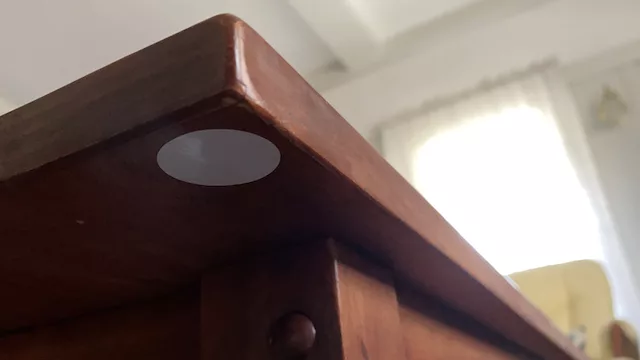
In iOS 13.1, the Shortcuts app added Automations, a feature that lets you use contextual triggers to show notifications for shortcuts you want to run or, for a subset of the option, run a shortcut entirely in the background. I’ll be covering those updates in the future, but I wanted to share links to NFC tags that I’ve bought and tested.

See, one of the Automation triggers lets you use “Near-Field Communication” tags that look like little wires printed onto stickers or stashed in cards like your credit cards, transit cards, or even in the Apple Watch or payment terminals for things like Apple Pay.

Thankfully, the new NFC tag automation trigger is one of the Automations that lets shortcut run “without asking” – they can fire off immediately when the trigger is detected, performing its operations in the background instead of requiring you to confirm via a notification first.

In iOS 13.1, this lets you run almost any shortcut just by tapping your iPhone to a small tag you’ve set up with Shortcuts, bringing the power of your apps and smartphone into the physical world with simple, cheap NFC tags.

So naturally, I bought a bunch, stuck them all over my house, and started testing them:

Categories
Gear

Playing around with the 2x Zoom on iPhone

Even though I've had the iPhone 7 Plus and iPhone X, I haven't nearly taken advantage of the 2x zoom lenses on both. I default to using the wider iPhone's lens since that's what I've always had before, plus years of training against using digital zooms makes it feel unnatural to zoom in with a phone.

Instead, I've been trying to switch to the 2x camera lens right away each time so I could get better use of it and see if there were any places I hadn't realized it would be helpful beyond Portrait Mode.

Here are a few spots the iPhones with the double lens hardware makes getting the right shot easier:

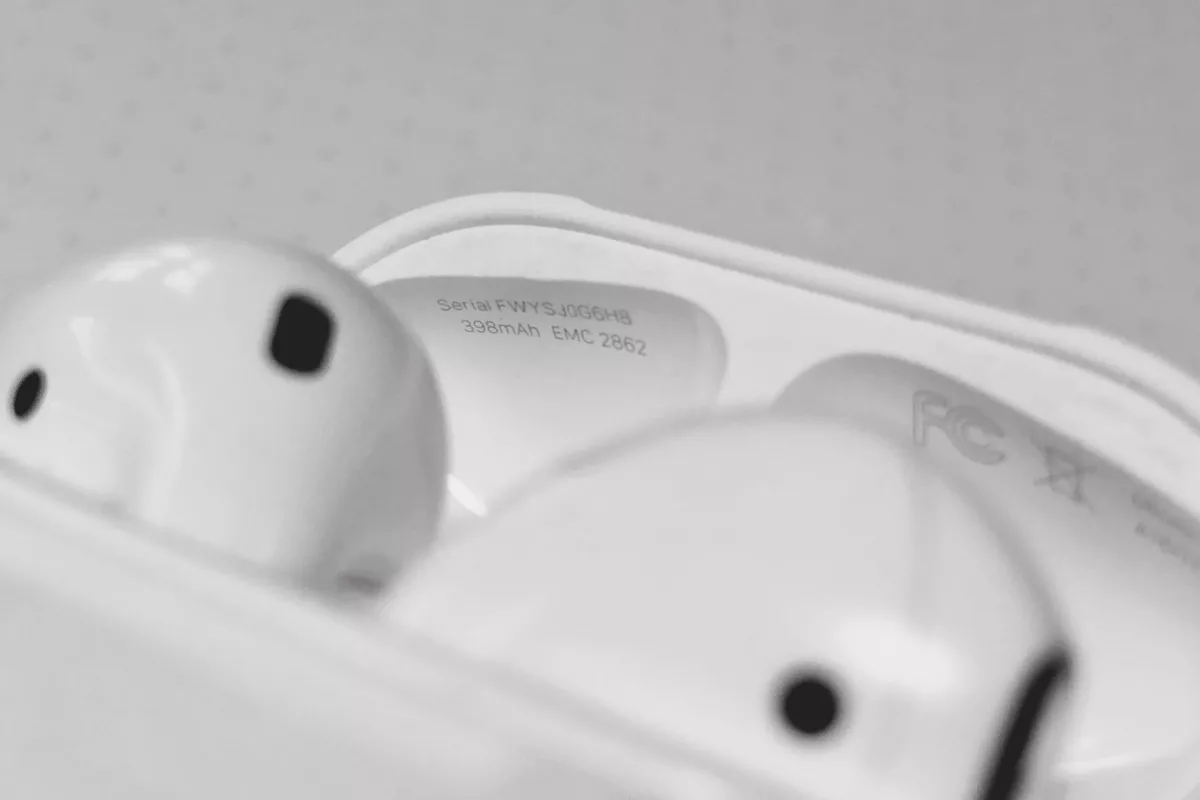
  • Taking pictures of tiny text: getting into tight spaces is easier when you zoom in, plus you don't lose quality – for example, taking a photo of the lid of my AirPods in order to capture the serial number (which inspired this post 1).
  • Capturing documents: instead of leaning over and getting the phone up close to frame up the paper, zooming in and just pointing the phone down can help you get through a lot of pages without breaking your back
  • Getting shots that are out of your reach: if your arms are fully extended and you're trying to get a photo that's above your head or on top of something, the 2x lens can help you get that additional bit of perspective that you might otherwise miss. I've found it can be super handy to stick your arm up and get a zoomed in photo of what's just out of view.
  • Taking photos that match your eye's perspective: the default 28mm lens on the iPhone is much wider than the way you see things normally – the 2x zoom's 56mm lens is closer to the perspective we see ourselves (albeit more cropped in).

    The wider lens can also distort vertical lines, especially if they're up close. Shooting with the longer lens also helps prevent as much warping, although you may need to stand further back. That being said, it doesn't work very well in low light.

  • Taking sample photos for a bigger shoot later: when I was preparing to make the photography for my HomePod review, I went around first with my iPhone X to scope out how I wanted my photos to look without needing to lug around my full camera.

    The 2x lens more closely matched the "in your home" perspective I was trying to achieve, plus I could zoom in and out further to mimic the full range of my 12-60mm lens. I got sample shots so I could properly integrate the imagery into how I wrote the piece, then later did a proper photoshoot with lights and my camera to get the highest quality photography.

Some of these aren't particularly innovative ways to use a camera, but if you hadn't thought of one before it might be helpful2.

Many of the shots won't be up to par for crisp, clear focus or high quality levels of photography, but for quick memories and productive use cases it does the job well.

Next time you open up the camera app on an iPhone X/Plus, try switching to 2x and just looking through the viewfinder for a while – it may help you see things in a different way.

  1. No, that's not the complete serial number of my AirPods. ↩︎
  2. If you have any other suggestions, let me know on Twitter and I'll add them here & credit you. ↩︎
Categories
Apps Gear Shortcuts

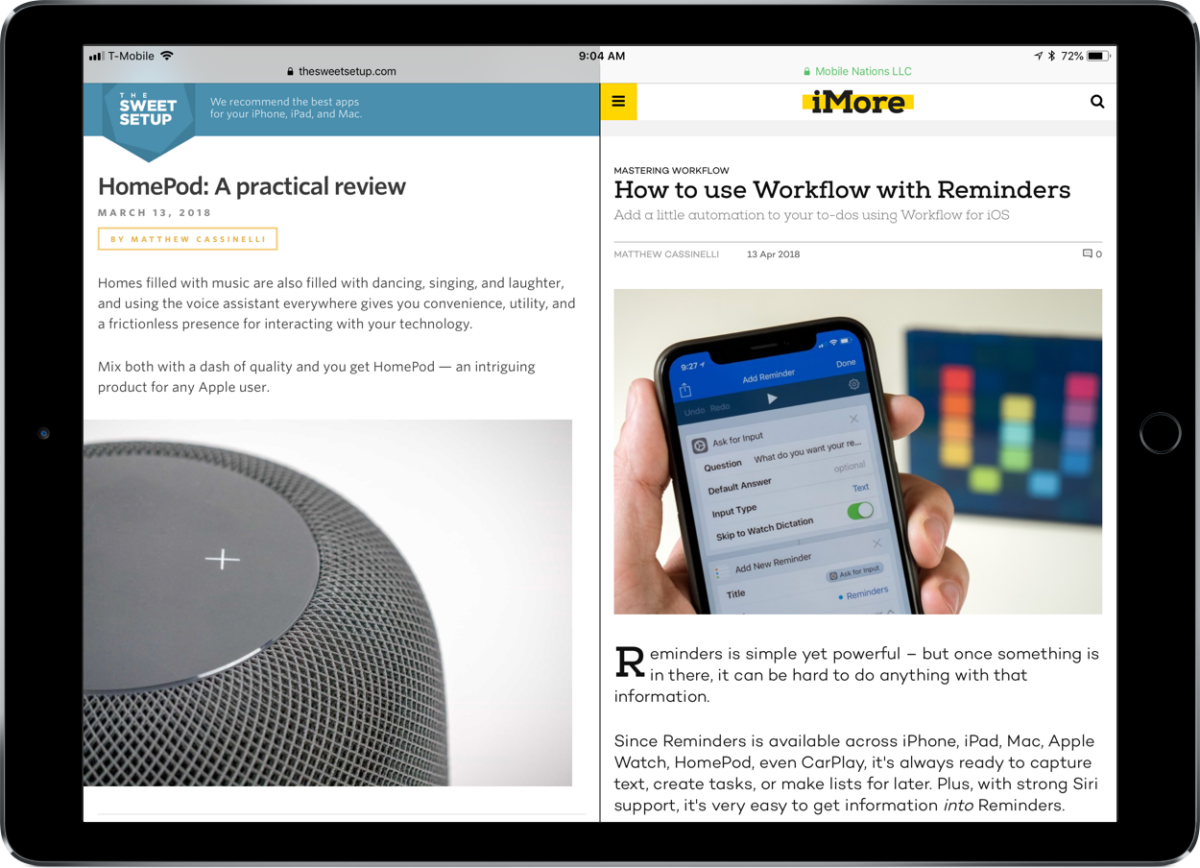
Writing about Shortcuts/Workflow (and HomePod) on the Web

I’ve had the privilege to write for The Sweet Setup the last few months and now iMore, so I wanted to share some of the links here.

Primarily I’ve been writing about Shortcuts/Workflow, trying to get some of the ideas in my head out and into the world so other people can take better of the app – especially now that it’s free. But I’m also dabbling in product reviews & photography, a new challenge that’s proving lots of fun and hard work.

Categories
Gear

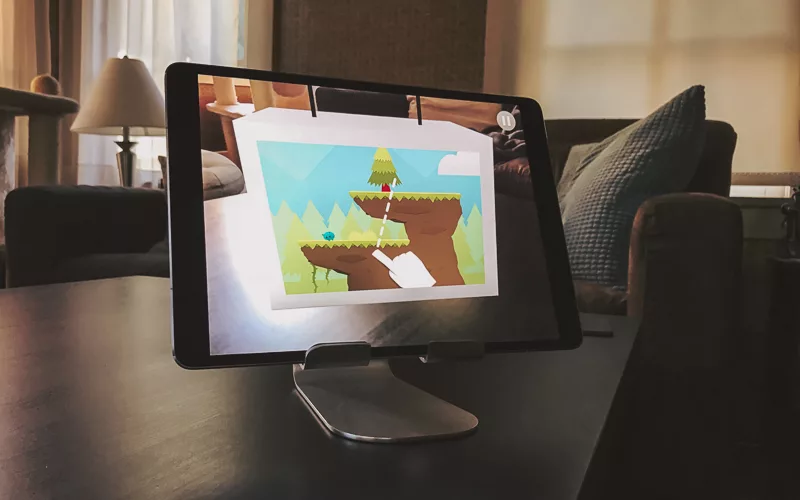
Getting a better angle on my iPad Pro

I’m a huge fan of the 10.5” iPad Pro and have been using it every day since I bought it.

Categories
Gear

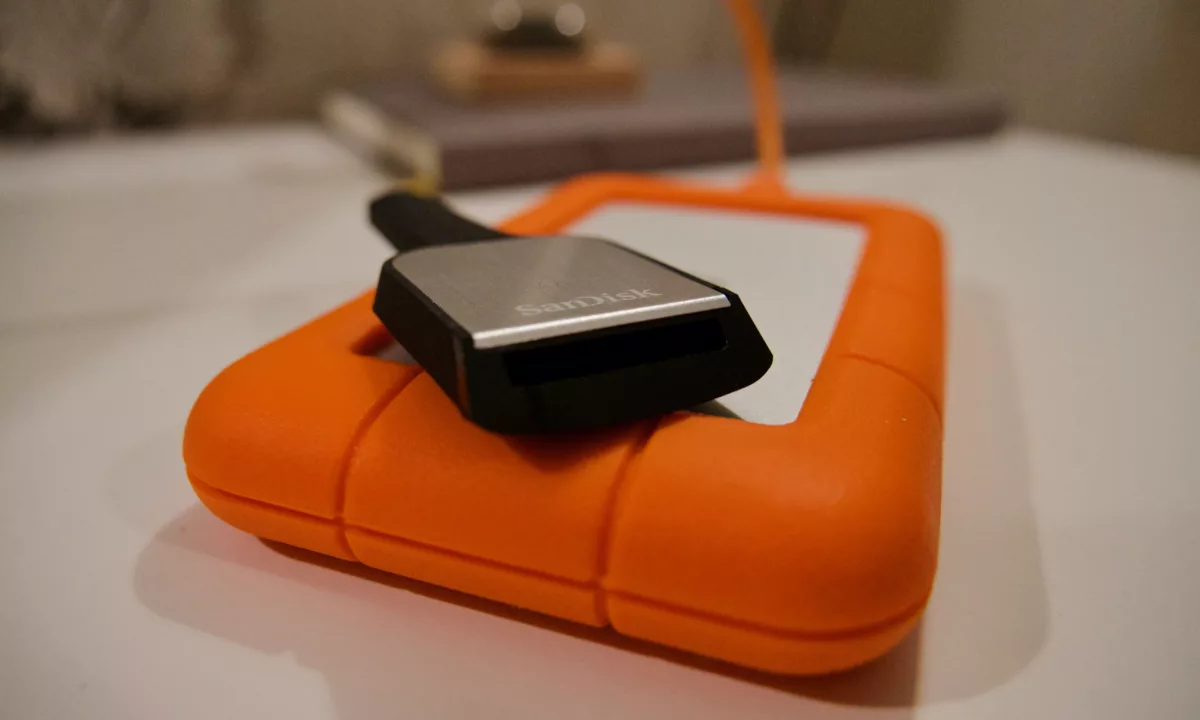
Getting in gear with new gear

Now that I’m wading into video a bit more, I quickly realized that I’d need more storage and a better way to transfer files.