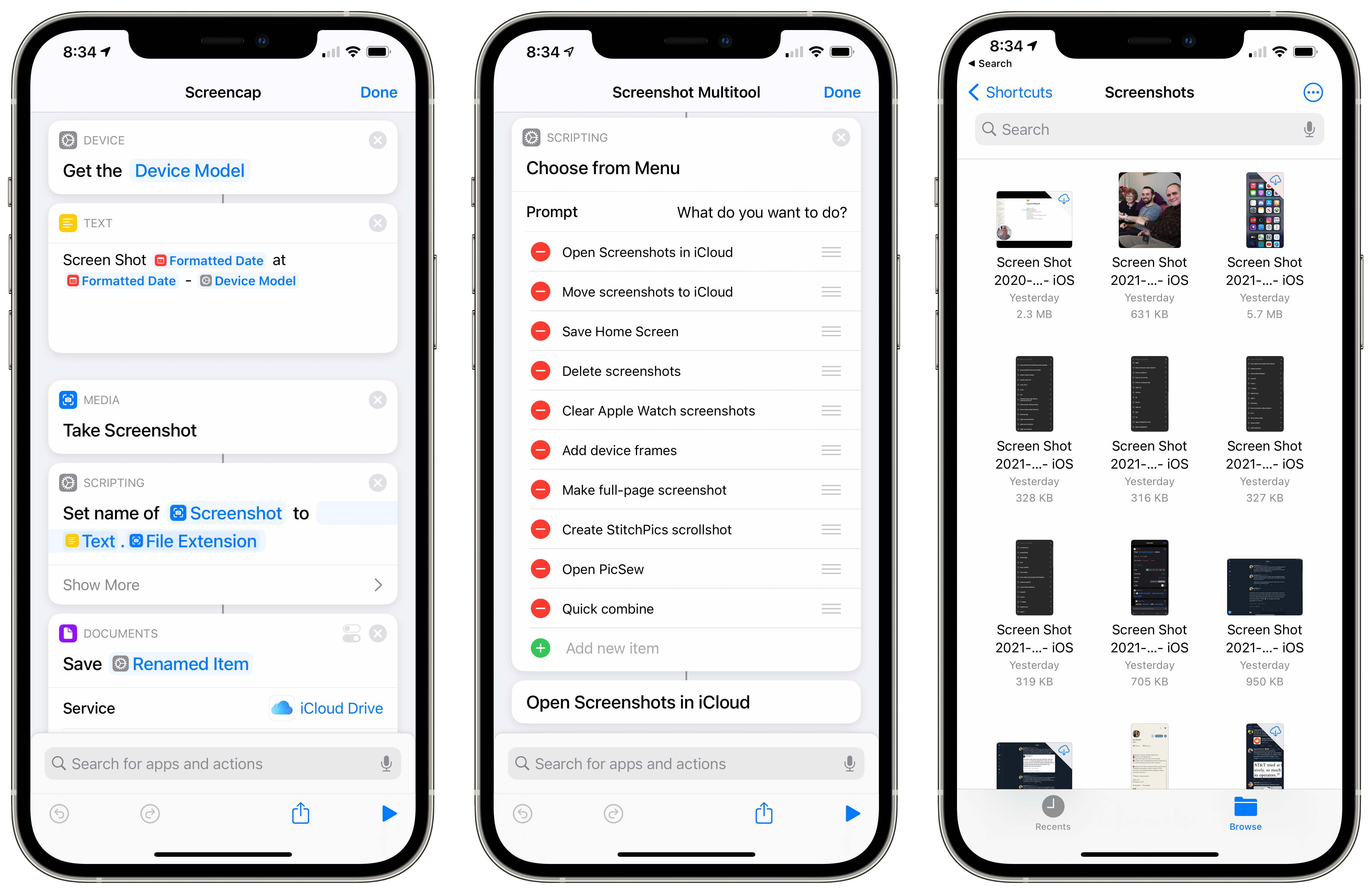
Shortcuts creator and designer Brad Siefert has created a dedicated website for people looking to discover various links and creators related to Siri Shortcuts – check out the new Shortcuts Directory.

Shortcuts creator and designer Brad Siefert has created a dedicated website for people looking to discover various links and creators related to Siri Shortcuts – check out the new Shortcuts Directory.
On episode 35 of Smart Tech Today, Mikah and I talked about:
Plus, I included a special scoop about a new action in Shortcuts I haven’t seen anywhere else – enjoy!
Em Lazer-Walker, Cloud Advocate at Microsoft, on what she’s calling the “audio version of ARKit” in iOS 14:
They talked about this largely in context of playing movies with multi-channel surround sound, but that’s probably the least interesting application of spatial audio.
As someone who’s been working in the field for a long time — my research at the MIT Media Lab in 2015 and 2016 focused on location-based storytelling in public spaces using spatial audio — I wanted to try to give some context around why this is interesting and what it might enable.
Fascinating summary of Apple’s new Spatial Audio feature and its potential – this covers what it is, how it differs from surround sound, and goes into detailed applications for this like wayfinding, vocal content, and real-world play/gaming experiences.
Every year for the past few years, John Gruber of Daring Fireball has interviewed an Apple executive or two on his podcast The Talk Show, just after WWDC and often in a venue right nearby the conference.
This year, as with everything else WWDC, it was done online, with special guests Craig Federighi, Senior Vice President of Engineering at Apple, and Greg Jozwiak, Apple’s Vice President of Product Marketing.
Federighi and “Joz” filmed from Apple Park (in seemingly separate rooms, as one does nowadays) over the web with Gruber for over an hour and a half, which you can watch on YouTube:
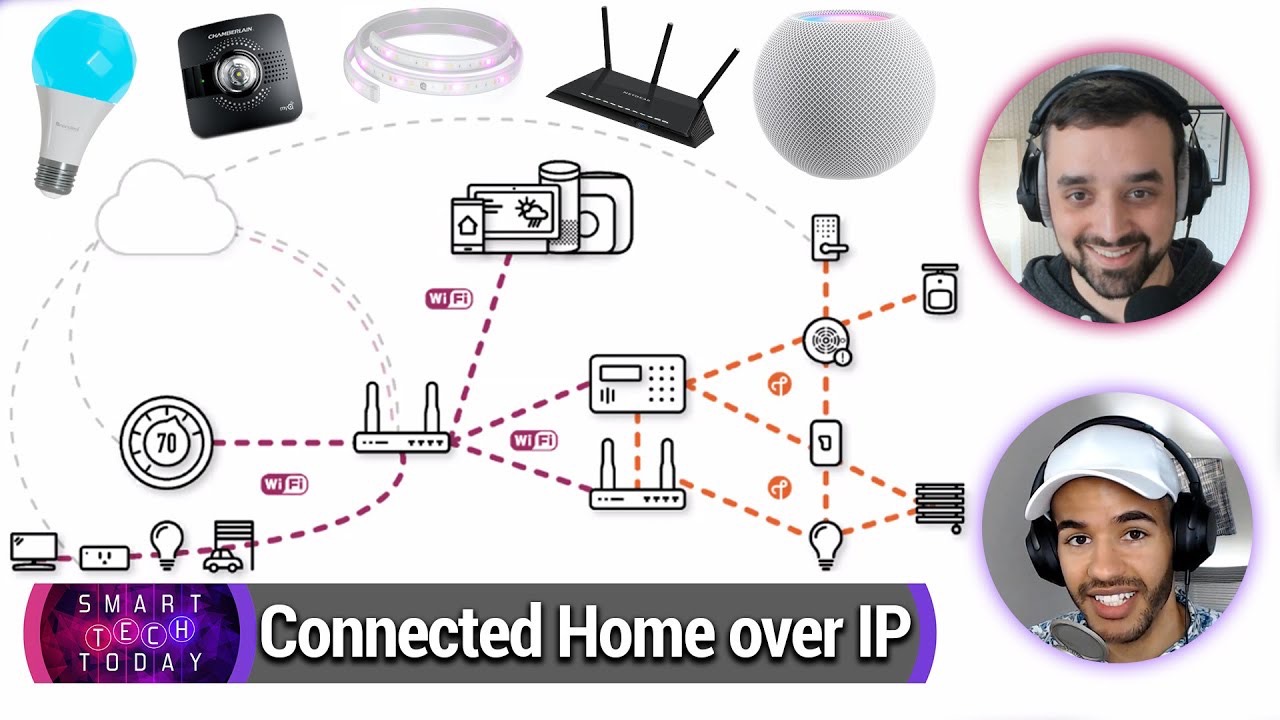
On this episode of Smart Tech Today, Mikah and I talked about Google Assistant adding Podcasts and recipes to its Snapshot feature, the NBA’s use of the Oura smart ring to detect COVID-19 symptoms in players, and Apple’s whole host of updates for the smart home – and what’s new with Siri Shortcuts.
On this episode of Smart Tech Today, Mikah and I talked about grill follow-up, using Anonymous Camera for protests, tech companies responding to Black Lives Matter, the latest Sonos news, and automation during the pandemic:
Recorded June 11th, I had the privilege to be on Andru Edwards and Jon Rettinger’s podcast Geared Up.
We had a great conversation where I told them all about Siri Shortcuts, plus we covered Andru’s YouTube situation, Apple’s worldwide developer conference (WWDC) & the transition to ARM Macs, and the PS5 announcements – here are the show links:
On this episode of Smart Tech Today, Mikah and I talked about protests & activism, smart home news, and two great picks of the week:
For the month of May, my main public focus was publishing livestreams related to Shortcuts and my interests as a content creator.
I’ve long had a streaming setup and even covered most of iOS 13’s updates for Shortcuts in an hour-long stream last fall, but I’ve always wanted to stream more and never really did.
In these last 9 months since that stream, I’ve also seen a ton of new Shortcuts-related apps drop and for some reason I didn’t fully adopt them – I thought every one my shortcuts needed to be easily shareable, plus I was worried about depending on paid third-party apps that people would have to buy just to use my shortcuts.
But eventually, I realized I’d shot myself in the foot – these apps were necessary because of some shortcoming of Shortcuts in its current state, and by missing out on those apps I was handicapping myself in the process.
Once I started adopting the Shortcuts-related apps, my productivity skyrocketed and I realized I needed to learn these even more – enter livestreams with the developers themselves. Plus, I took the opportunity to stream with one novice user and another expert, both of which were great experiences.
Here’s the full list of videos:
On episode 30 of Smart Tech Today, I spent about 10 minutes describing a series of shortcuts I put together that take advantage of the accessibility actions found in the Shortcuts app ahead of today, May 21, which is Global Accessibility Awareness Day (GAAD).
Accessibility features are incredibly important for modern technology to provide, making it possible for everyone to utilize their hardware & software regardless of their personal situation – you either have direct accessibility needs that require specific use of your technology, you’ll one day need them yourself, or you benefit from those features anyway (think Dark mode).
The Shortcuts app has always been an Accessibility priority for Apple, with them declaring as much in their confirmation story when they acquisition of the Workflow app before it became Shortcuts1:
“The Workflow app was selected for an Apple Design Award in 2015 because of its outstanding use of iOS accessibility features, in particular an outstanding implementation for VoiceOver with clearly labeled items, thoughtful hints, and drag/drop announcements, making the app usable and quickly accessible to those who are blind or low-vision.”
In iOS 13, Apple went further and added a set of actions to Shortcuts for controlling Accessibility features, available to use inside the shortcut editor in Apps > Settings.
On this episode of Smart Tech Today, Mikah and I talked about Apple’s response to coronavirus, which streaming services are free during lockdown, how to get smart home gear that’s affordable, and a Zoom wedding:
On this episode of Smart Tech Today, Mikah and I talked about the original Apple Watch designs, lots of Google updates, the latest in virtual hangouts, and my shortcut to change the color of my lights based on my current calendar event:
Rene Ritchie was kind enough to invite me onto his new channel along with some internet friends to talk about ways to stay productive with iPhone while stuck at home – here’s the video:
I talked about my Routine checklist shortcut, which I’m using to pull from a series of checklists I just moved into a new app Data Jar.
On this episode of Smart Tech Today, Mikah and I talked about:
New shortcut: I’m washing my hands:
Sets a timer for 20 seconds so that you can wash your hands thoroughly without thinking about how long it takes.
Use this to help internalize how long it takes to wash your hands, especially amongst the Coronavirus concerns.
On this episode of Smart Tech Today, Mikah and I talked about: