On episode 9 of Smart Tech Today, Mikah and I talked about:
- Smart tech news:
- Amazon:
- Decorating your smart home:
- Mikah’s pick of the week: Eve Energy Strip
- Matthew’s pick of the week: Enable seasonal doorbell chimes on your Google Nest Hello
On episode 9 of Smart Tech Today, Mikah and I talked about:
On episode 8 of Smart Tech Today, Mikah and I talked about:

I’m a huge fan of the HomePod – after bearing the investment cost, it’s improved my daily interactions with music and opened access to controlling my smart home gear, plus provides a new medium for everything I’ve built in the Shortcuts app.
But one of the nagging problems with HomePod is the way Siri, regardless of the current time of day, will respond loudly at whatever volume you’ve previously set.
Whether it’s the middle of the night or super early in the morning, it’s all too common to ask Siri something and the answer shouted backed at you, only because you listened to music loudly sometime yesterday. Hopefully nobody wakes up, you curse at how dumb your supposedly “smart” speaker can be, and frantically try to turn it down.
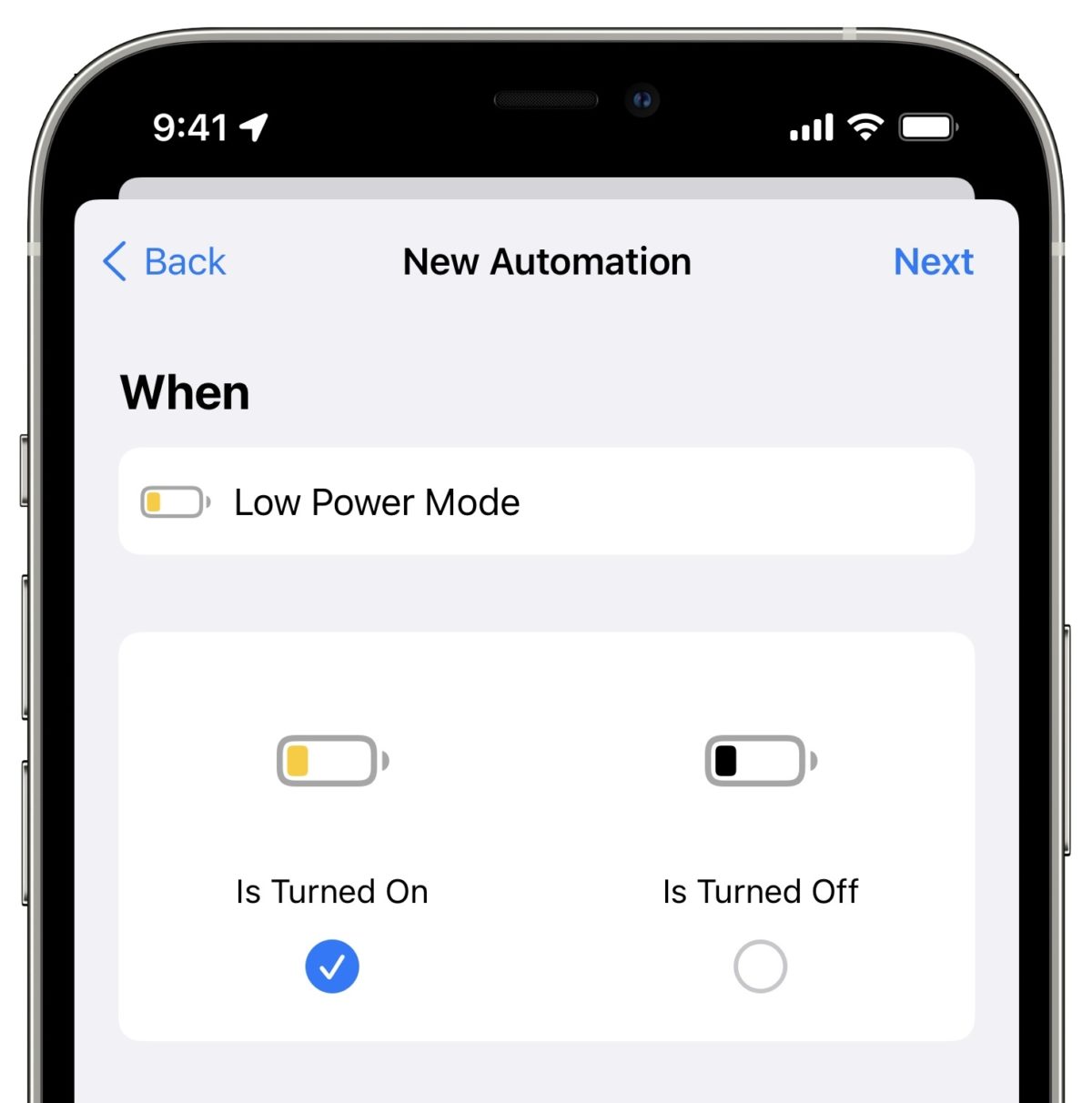
Thankfully, iOS 13.2 provides a route to a solution by adding HomePods and AppleTV to scenes and automations – the HomePod didn’t fix this on its own, but, with a Home Automation, you can make it “smart” enough yourself.1
After adding a few videos from YouTube to my Watch Later playlist this afternoon, I looked in the Apps section of the Shortcuts app for some Siri Shortcuts from the YouTube app.
I’ve found actions that open the Search and Subscriptions section of the app before, but I wanted to quickly jump into the Watch Later bit which is buried in the Library tab – alas, there was no shortcut.
However, I then realized that YouTube.com links often redirect into the app, and I might be able to use that deep link instead.
On episode 7 of Smart Tech Today, Mikah and I talked about the following:
On this episode of Smart Tech Today, Mikah and I talk about:
Mikah Sargent and I have recorded episode 2 of Smart Tech Today, this time over Skype and on the Twitch livestream. Here’s the description from the TWiT page:
Plus, here’s a set of Siri Shortcuts I created last week for subscribing and listening to the show:
We’ll be live next Monday at our usual 4pm PST – thanks for listening along so far!
Links for the show:
On Monday, Mikah Sargent and I recorded episode 1 of Smart Tech Today in person at the TWiT studio. In the show, we:
Here’s Mikah and I after recording – had a blast! We’re off to a great start, but any help sharing the show to new people still goes a long way.
Once we hit 30,000 subscribers, we’ll have a full video feed of each episode too, available on our YouTube channel:
Plus, here’s a set of Siri Shortcuts for subscribing and listening to the show:
We’ll be live every Monday at 4pm PST, with the episode dropping later each evening. Thanks for listening!
Links for the show:
Today, as first noticed by 9to5Mac, developer Marcel Schmitz launched a brand new app called DuetCam for $2.99 that takes advantage of iOS 13’s ability to record video with both the front-facing camera and one of the back cameras at the same time.
Schmitz’ app basically lets you film what’s in front of you while also recording yourself in a smaller picture-in-picture box, creating an immersive experience where you can talk to the camera while showing what you’re looking at.
The day after iOS 13 launched, I was a guest on the iMore show to talk all about the updates to Siri Shortcuts (and a bit about the new iPhone):
Shortcuts expert Matthew Cassinelli is here with a wealth of information for making life better with iOS 13! He guides Lory Gil and Georgia Dow through the basics of shortcut creation and shares some of his own creations from matthewcassinelli.com.
I had a really great time talking to Lory Gil and Georgia Dow – Lory is the editor at iMore and corrects the mistakes in my freelance articles, and Georgia does a wonderful job as Senior Editor there too.
We also recorded this as a livestream, so here’s the video if you want to follow along – I even turned on my main camera with a top-down shot for part of it:
Today, I’m happy to announce a new podcast I’m hosting with Mikah Sargent on the TWiT network – it’s called Smart Tech Today and you should subscribe to episode 0 now!
A couple of weeks ago, Mikah reached out to me and asked if I’d like to host a podcast with him about smart technology on the “This Week in Tech” podcast network, commonly known as TWiT.
We’d be covering all aspects of the “Internet of Things”, automation as it stands in 2019 and beyond, and how to think about using & integrating smart tech into your daily life – naturally, I said yes.

Airing each Monday evening (with a livestream at 4pm if you want to tune in), we want the show to be informative, practical, and fun.
Mikah does incredible work, previously for iMore where I met him through my freelance work, but also for the Clockwise podcast on Relay FM and now also full-time for TWiT.
I am super glad to be cohosting with Mikah, because I think:
I’m also looking forward to staying on top of smart tech outside the Apple ecosystem, because we’ll be talking about all types of brands and products on Smart Tech Today.
There will surely be plenty of Siri Shortcuts talk, but I’ll be experimenting and learning about all of it, and intend to cover everything with the same intentionality I do in all my work.
We’re airing our first episode next Monday, October 7th, but please subscribe to the trailer episode now.
Any new listeners and episode ratings are weighted heavily by Apple Podcasts, so a great launch helps propel the show forward – we appreciate the support!
Here are the links for the podcast:
Looking forward to next Monday! Hope you’ll be listening too 🙂
In iOS 13.1, the Shortcuts app added Automations, a feature that lets you use contextual triggers to show notifications for shortcuts you want to run or, for a subset of the option, run a shortcut entirely in the background. I’ll be covering those updates in the future, but I wanted to share links to NFC tags that I’ve bought and tested.
See, one of the Automation triggers lets you use “Near-Field Communication” tags that look like little wires printed onto stickers or stashed in cards like your credit cards, transit cards, or even in the Apple Watch or payment terminals for things like Apple Pay.
Thankfully, the new NFC tag automation trigger is one of the Automations that lets shortcut run “without asking” – they can fire off immediately when the trigger is detected, performing its operations in the background instead of requiring you to confirm via a notification first.
In iOS 13.1, this lets you run almost any shortcut just by tapping your iPhone to a small tag you’ve set up with Shortcuts, bringing the power of your apps and smartphone into the physical world with simple, cheap NFC tags.
So naturally, I bought a bunch, stuck them all over my house, and started testing them:
On Thursday, a few hours after the release of my Shortcuts Library, I covered the entire iOS 13 update for Siri Shortcuts in a YouTube livestream.
After a bug in the macOS Catalina beta last week prevented Final Cut Pro from staying open at all, the work on my in-progress video was frozen1. I couldn’t re-do it in time while I was also publishing over 150 shortcuts for people to use.
So I did it live:

Looking for the updated collection? Check out my Shortcuts Catalog, the announcement post, and my new membership.
Now that Apple has officially released iOS 13 to the public, I am excited to share my personal library of 150+ custom Siri Shortcuts for everyone to add and use.
I’ve worked countless hours this summer building up a database of my shortcuts, giving each shortcut a description and explanation of how I use it. These are saved inside each shortcut in Comment actions as well, so you can still reference the intended use after adding it to your Shortcuts app.
You can find my Shortcuts Library at the bottom of this post and here on my website at matthewcassinelli.com/siri-shortcuts. But first, I wanted to contextualize my collection.
David Sparks has completely redone his Siri Shortcuts Field Guide1 for iOS 13:
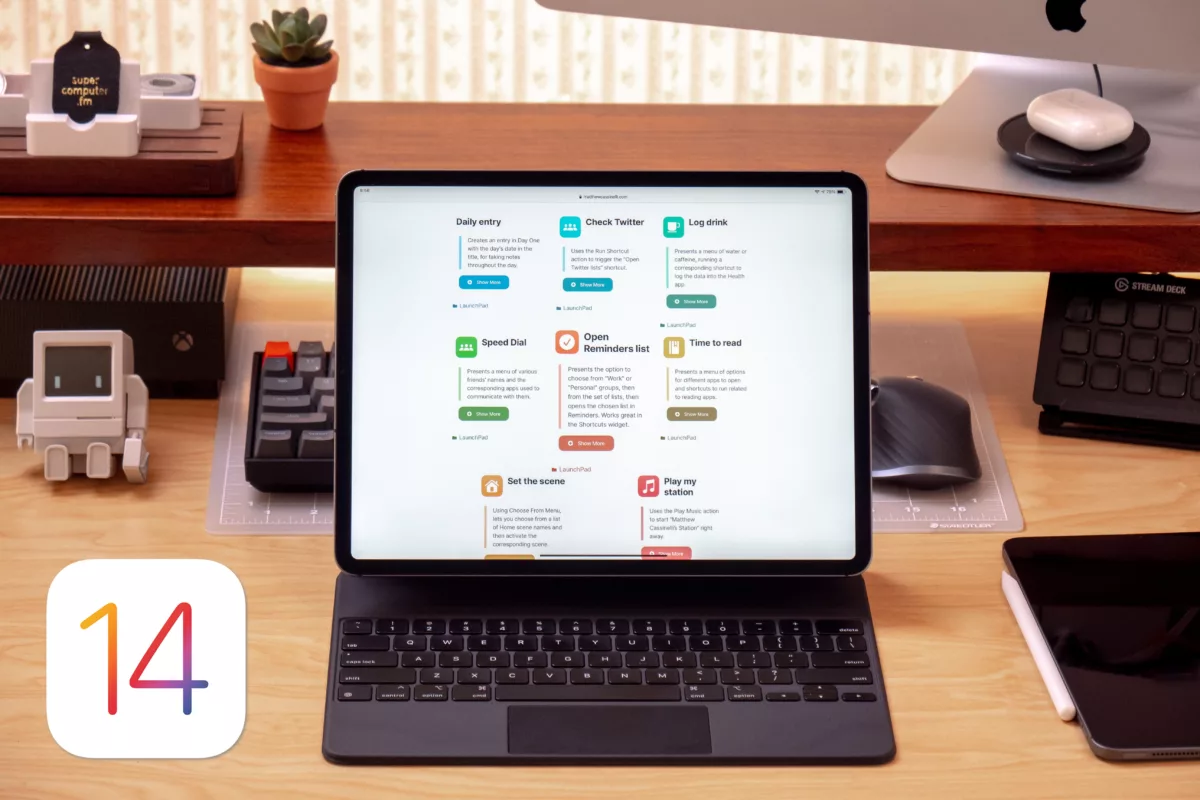
The new Shortcuts Field guide was shot entirely new with the new Shortcuts for iOS 13. Apple changed a lot and it is all covered in this field guide:
- Over 6 hours of downloadable video tutorials
- New materials for both beginners and advanced users
- New Downloadable Shortcuts
- So much Automation
Matt Birchler on the Apple Watch’s latest operating system update:
watchOS continues to grow up, and each year it gets objectively better than the year previous. The team behind this product have done a fantastic job of maintaining its simplicity all while adding on genuinely useful features that don’t always feel like much at the time, but have added up to an improved platform in almost every way.
Matt does these reviews every year, and this one summarizes the changes nicely. Also, I’m totally using the list of available workouts as a reference for future Shortcuts posts.
In the latest app update on iOS, Audible now lets users actually buy audiobooks inside the app using existing credits.
According to a tweet from Chris Fralic of First Round (originally sourced by Joshua Topolosky of The Outline), the “Add to Library” button in Audible will show the message “You can now use credits without leaving the app!”:
This is a big deal in the Apple mobile ecosystem. You can buy books right in the app from credits you have (used to have to go to https://t.co/jdw7IGFIAv to buy). Thx for the scooplet @joshuatopolsky and the book rec @schlaf pic.twitter.com/R2rGzfFgvB
— Chris Fralic (@chrisfralic) September 16, 2019
Jason Snell, giving an overview of Shortcuts in iOS 13 for Six Colors:
Shortcuts just got a lot more useful if you use Siri, too. You can now create interactive Shortcuts that can ask questions and accept text input, especially useful if you’re not able to look at a screen because you’re using AirPods or CarPlay. And the redesigned Share Sheet in iOS 13 means that you can prominently place specific individual Shortcuts in the Share sheet, making it easy to access them with a single tap.
Jason and Dan are covering iOS 13 feature-by-feature – this piece is a nice summary of what you can expect from Siri Shortcuts in iOS 13.
Check out the full article on Six Colors (they’re celebrating their 5-year anniversary today!).
New episode of Supercomputer out:
Alex and Matthew talk about the close of the beta season – and the close of the show.
Today unfortunately marks the end of Supercomputer.
It’s been a privilege to start my first podcast with someone as wonderful as Alex Cox, and I will cherish the opportunity to share with others and learn about myself in the process.
I’m happy to have made 40 episodes of this podcast and it’s been a significant experience in my life.
Thank you for listening.