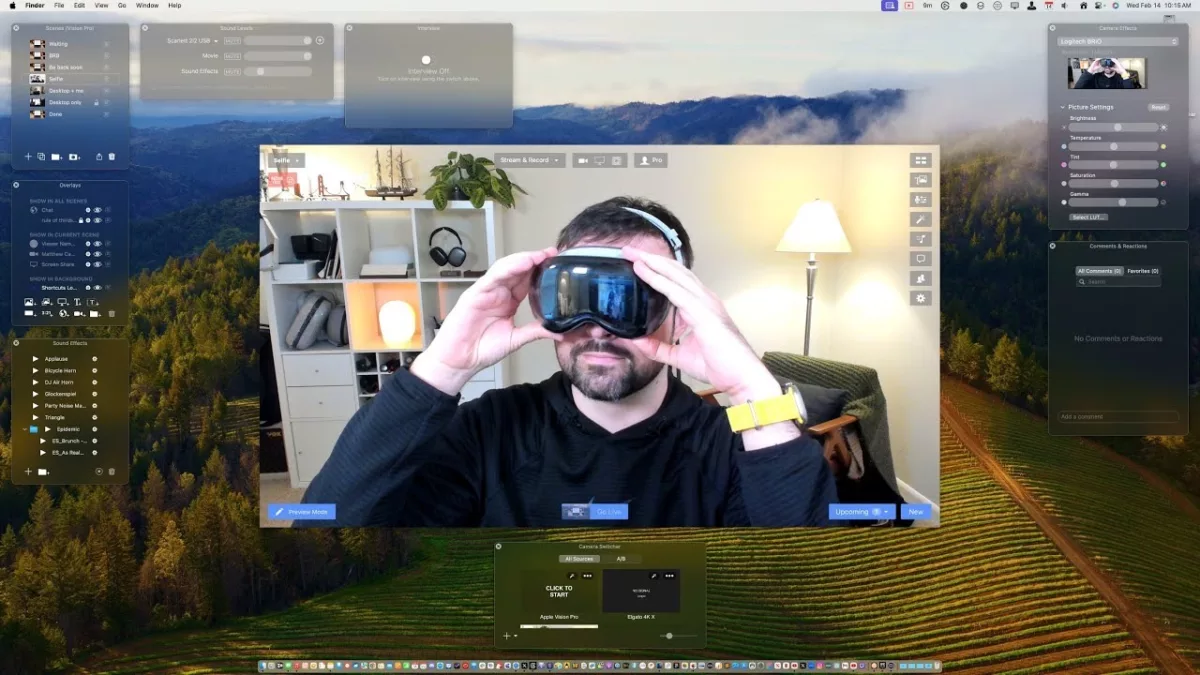
Last week, in a special livestream for members, I tested using the Apple Vision Pro developer strap to capture my perspective in real-time and share what it’s like to use spatial computing:
Last week, in a special livestream for members, I tested using the Apple Vision Pro developer strap to capture my perspective in real-time and share what it’s like to use spatial computing:
In this video, I’m testing how to capture, record, and stream using the Apple Vision Pro and Ecamm Live.
This method requires the Apple Developer strap, a USB-C cable (preferably extra long), and QuickTime for Mac, plus Ecamm Live and an Apple Vision Pro.
Hey members! I have a special new video for you – my unboxing experience with the Apple Vision Pro, available now privately through YouTube.
Coming in at a little under an hour, I tried to capture a simple walkthrough and first-run experience with the device – complete with small observations, initial confusions, and the inevitable screen recording issues.
I’ve included chapter markers so you can jump through and watch the most interesting bits, and will clip out my favorite moments as well – for example, the first good screen recording starts at 35:22 in.
Admittedly, this may not be a thriller to watch from start to finish; but, I am experimenting with deeper access videos like this, as well as testing different filming techniques or editing processes – this is shot in a 4:3 aspect ratio, for example. Plus, since I don’t have to optimize for a massive audience or “the algorithm,” I can be a little more relaxed and natural, like the way I settle into things during livestreams.
I loved this initial test of a members-only video, and I hope you enjoy it too – let me know if you’d like to see other videos like this in the future!
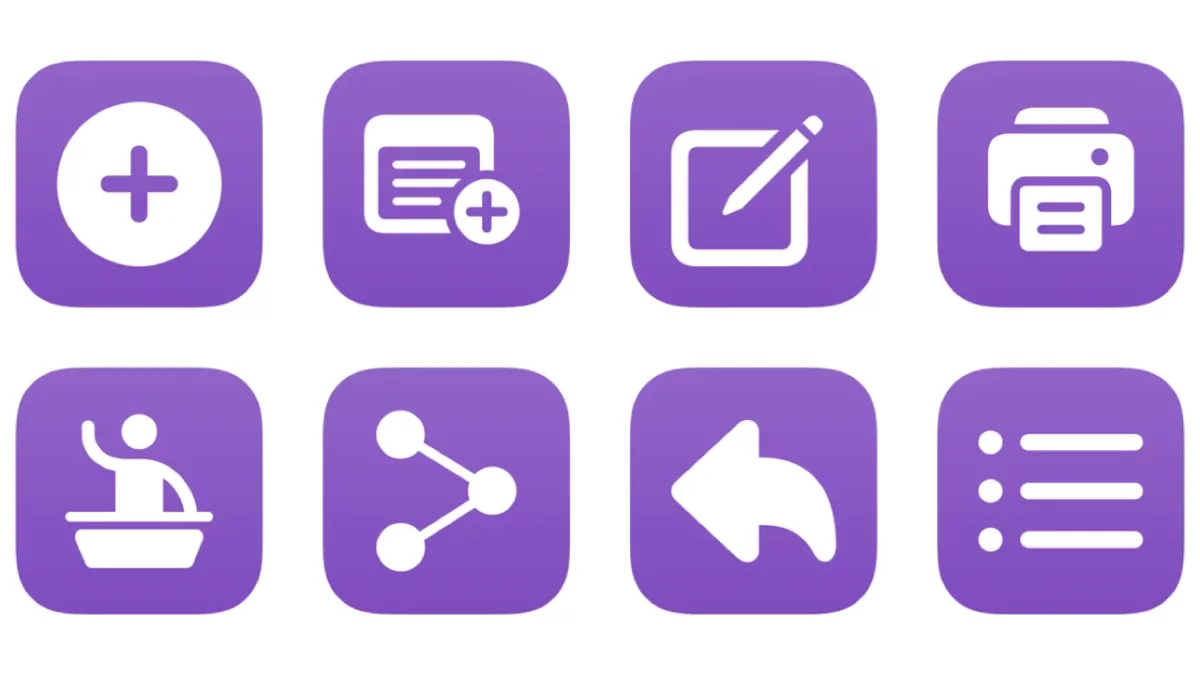
Create new podcast episode: Opens Transistor.fm to the new episode page for your pre-selected podcast so you can upload a new file, give it a title and description, and publish.
Edit latest episode: Opens the URL to the edit page for the latest episode of your Transistor podcast.
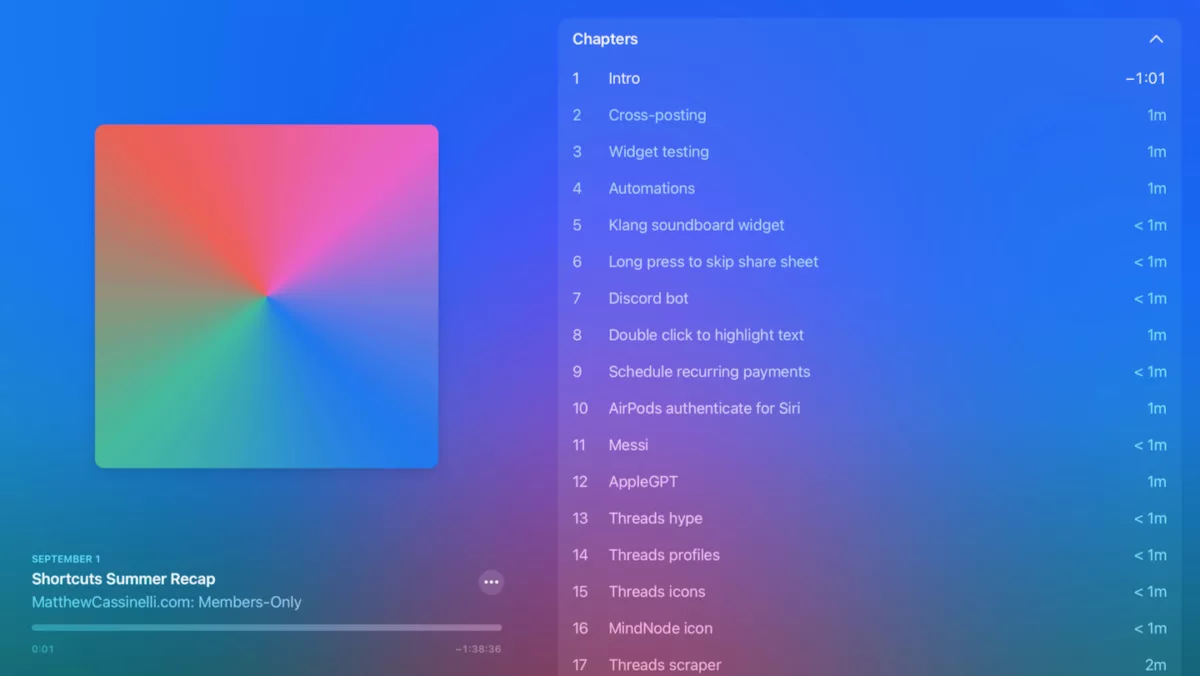
Covering July 17 through August 31, this second member episode recaps everything I’ve shared this summer – and includes teasers for my in-progress workflows coming to the Catalog soon.
Covering July 17 through August 31, this second member episode recaps everything I’ve shared this summer – and includes teasers for my in-progress workflows coming to the Catalog soon.
To follow the show, sign up to become a member and get your custom URL to add to your podcast player of choice.
Or, listen to the full episode below:
This content is marked as members-only – you’ll need a membership to access it.
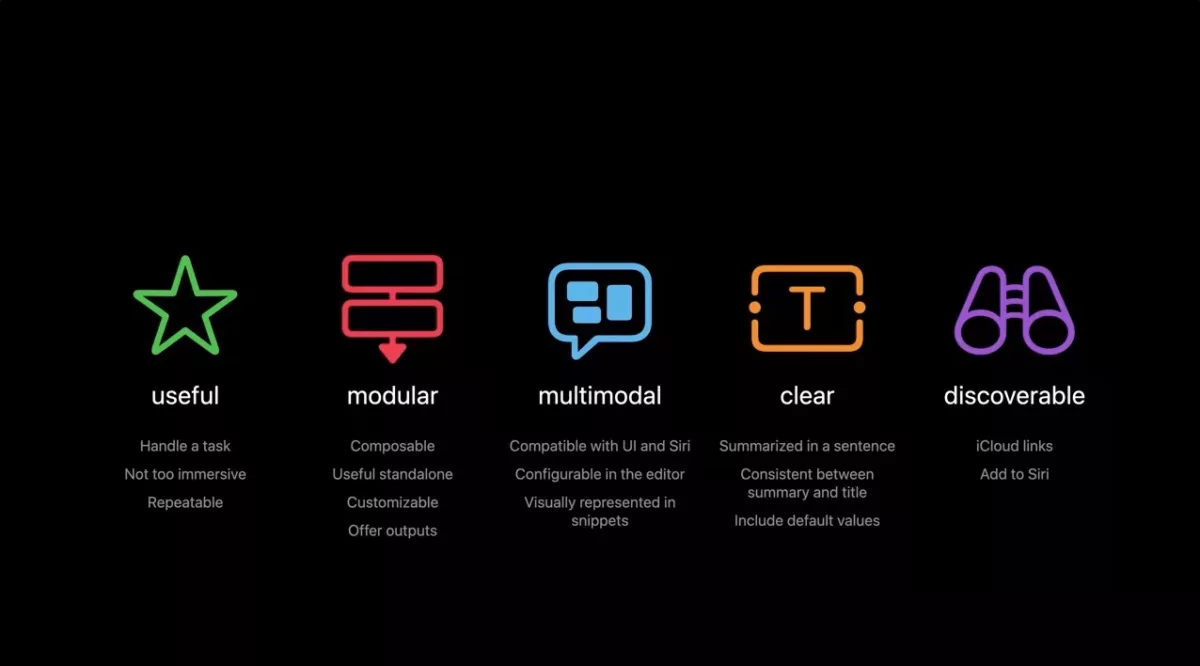
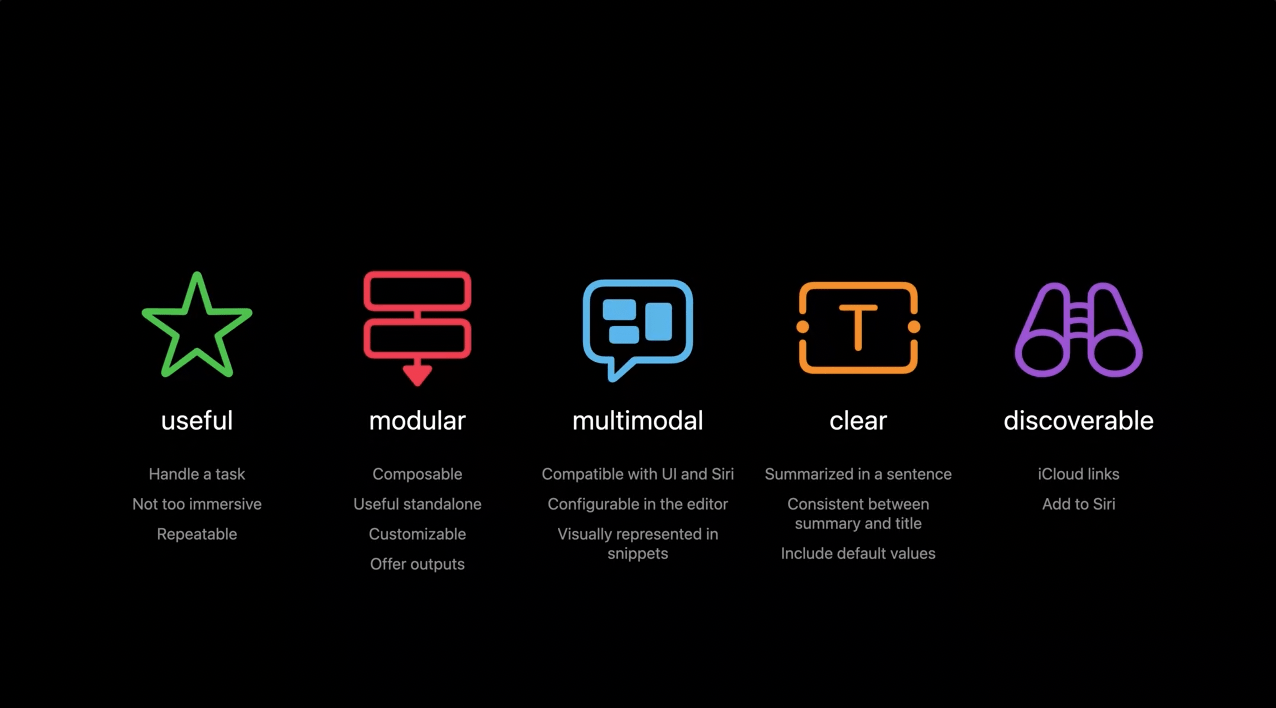
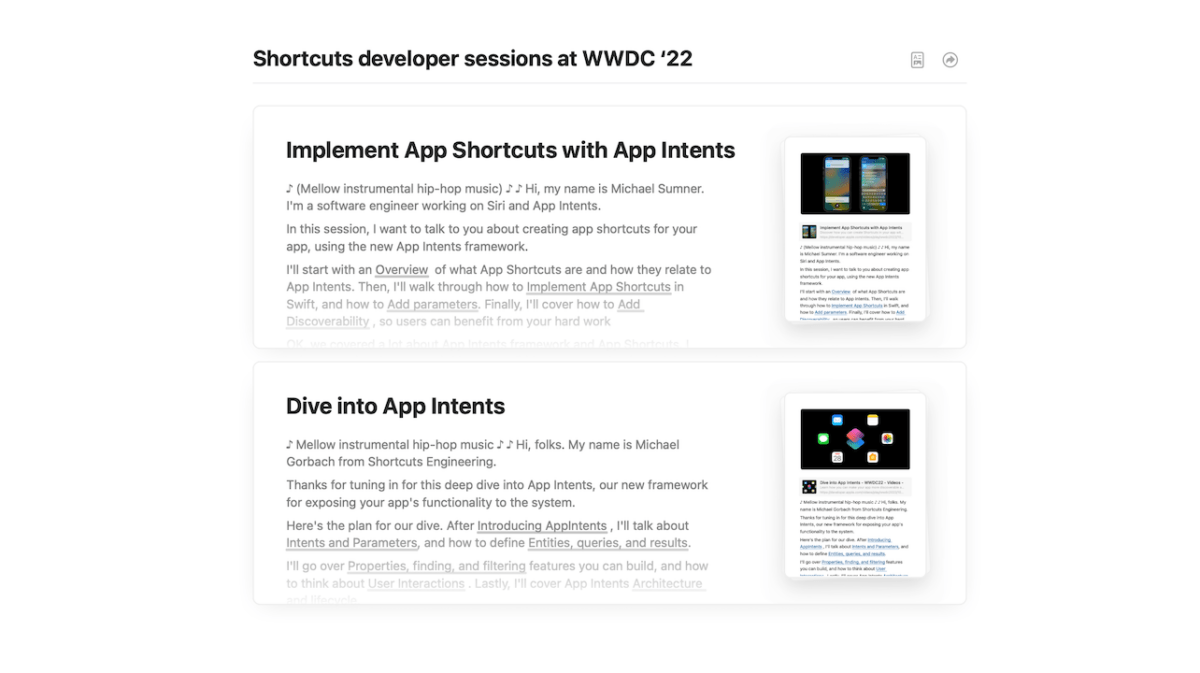
The session is focused on how developers can build out a set of actions for their app, but it actually provides a lot of insight into how “Shortcuts authors” (as we are called in the session) can build their shortcuts thoughtfully – here’s the last slide:
I noticed at least 10 individual topics I’d like to cover for members in future posts, but I wanted to share my full mind map ahead of time in case you wanted to watch the session and read along yourself:
This morning I got access to the TestFlight for Ivory, a Mastodon client from the makers of Tweetbot, and immediately spent the whole morning putting together a set of shortcuts based on the Open Ivory action and all its possible parameters.
I’ve just added my folder of Ivory shortcuts—including the Ivorycuts bundle—in beta and will be releasing these in the free section of the Shortcuts Library (along with a review) when Ivory gets released!
Check out the shortcuts below – I wrote about 1,000 words across all the descriptions explaining how to use the shortcuts, why the features from Ivory in particular are interesting, plus how I’m using Mastodon compared to Twitter:
I am super excited about this initial set of shortcuts and the updated actions that Things is bringing to their app soon — I’ve been looking forward to this level of support for many years.
Tune into the latest episode of Shortcuts Live, where I streamed for a little over an hour covering the new Find Tab action that I discovered in iOS 16 public beta 2.
Tune into the latest episode of Shortcuts Live, where I streamed for a little over an hour covering the new Find Tab action that I discovered in iOS 16 public beta 2.
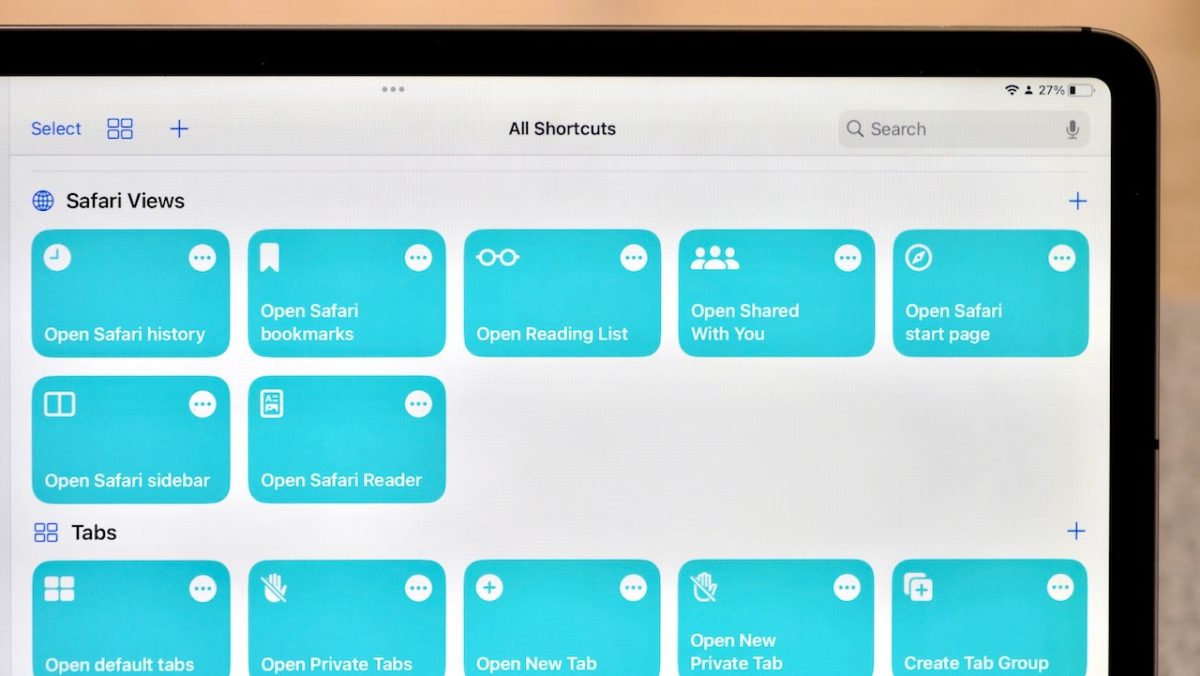
Join me from just after the launch of iOS 16 public beta 2 to build Shortcuts live — this stream, we’ll cover the new Find Tabs and Reading List actions that I just discovered in the betas, plus the Reminders actions that just reappeared after disappearing after the first developer beta.
The Safari actions are pretty exciting, so come share your ideas in the chat and we’ll come up with some great use cases together!
Here’s a list of the chapters:
00:00 – Start of stream
05:45 – Markdown list of current tabs
12:52 – Filter Links That Don’t Contain Specific Website
15:17 – Find Bookmarks & Reading List filters
20:13 – Find Tab Groups
22:00 – Find Tabs from Specific Tab Group (doesn’t work, but we covered Focus Filters & Scripting)
35:37 – Add to Reading List, Instapaper, Pocket
38:15 – Set Playback Destination / Speaker Groups
39:45 – Stream Deck teaser
42:12 – Saving Links to Clipboard
45:58 – Auto-Lock
48:32 – Open Tab & Choose From List
49:53 – Search Tabs
53:25 – Quick Note
57:20 – Quick Note with Link
1:00:04 – Get Article Details From Tabs
1:03:21 – Mail app
1:04:45 – Reminders Smart Lists
1:07:11 – Reminders Templates
1:10:47 – Add Tabs As Rich Reminders
1:12:43 – End of building / Revue discussion
1:15:27 – Wrap-up / Logging shortcuts
1:24:00 – Actual Goodbye
If you’re watching the replay, you can still leave comments and I can respond to them afterwards!
This content is marked as members-only – you’ll need a membership to access it.
I’ll be covering the material and what it means soon, but for now I’ve taken extensive notes & screenshots on the available sessions and have made them available for members. Plus, comments are open, so add yours if you have any thoughts:
I’ll be covering the material and what it means soon, but for now I’ve taken extensive notes & screenshots on the available sessions and have made them available for members.
(These notes are members-only – you’ll need a membership to access it.)
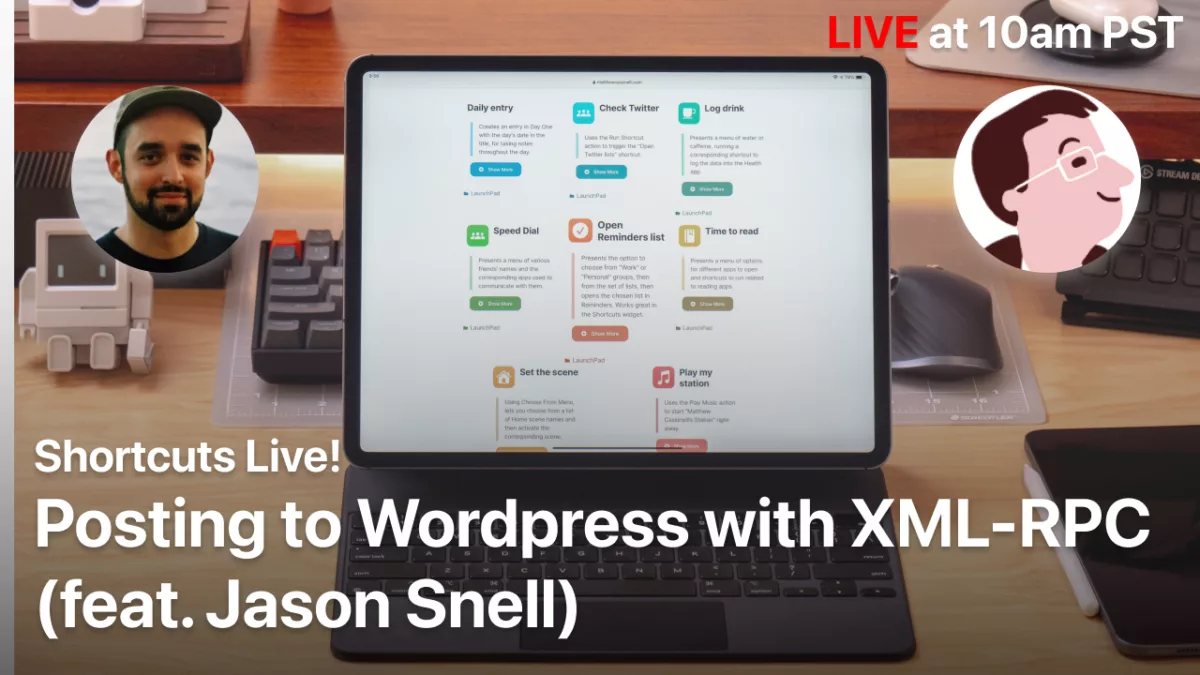
Today at 10am PST, I’ll be streaming with Apple blogger/podcaster Jason Snell to walk through using the WordPress XML-RPC protocol to post directly to one’s blog.
We’ll be live on YouTube for a half hour or so, while I recreate Jason’s shortcuts he shared on his website Six Colors for my own WordPress installation.
Join us on the stream and ask questions in the chat, or catch the replay at this link:
This Wednesday, August 18 at 12pm PST/7pm GMT, I’ll be hosting a members-only livestream on YouTube to cover some of the meta work involved with being a Shortcuts creator.
Hey members!
This Wednesday at 12pm/7pm GMT PST, I’ll be hosting a members-only livestream on YouTube to cover some of the meta work involved with being a Shortcuts creator.
I’ll be scraping data from a .shortcut file, plus potentially going into my Airtable logging process and how I save Action data as well.
Members can access the stream live below to get a reminder when it’s live or get back to this post at the right time using shortcuts.live:
Become a member to get access to access to the stream, plus:
New shortcuts on an ongoing basis
Extra ways to browse the catalog when you’re signed in
One of the excellent features coming to Shortcuts for Mac is the addition of a scripting capability for the Shortcuts app itself – Apple has added AppleScript support for commands like opening and running shortcuts, even without opening the app at all.
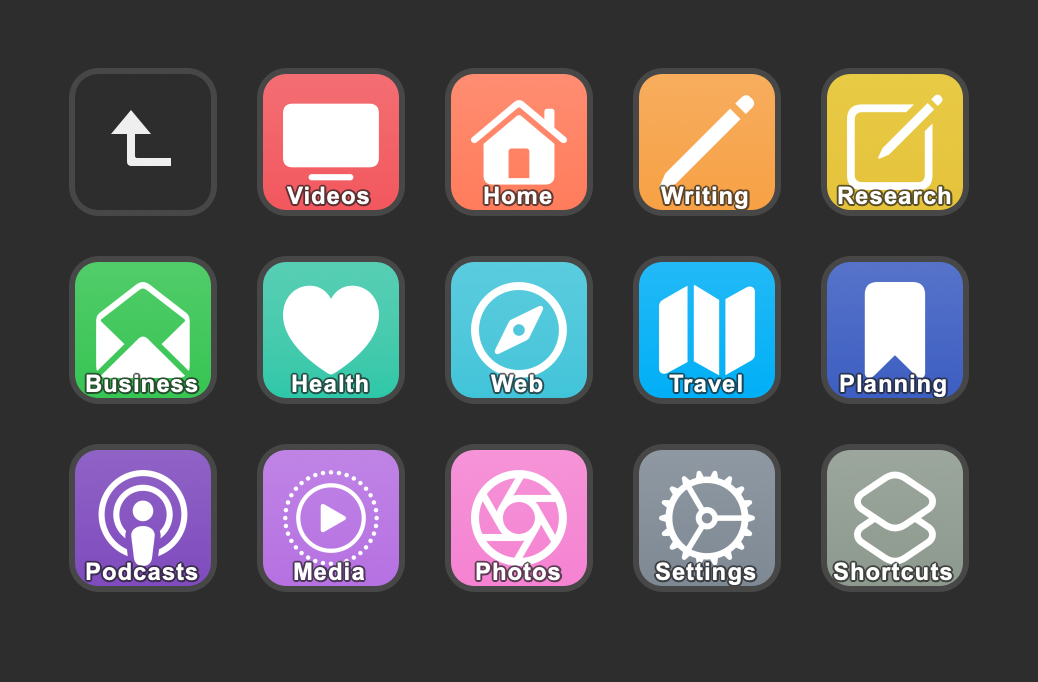
Naturally, I immediately got excited to bring this possibility to life using the Stream Deck, a USB device from Elgato with hardware keys that can be customized to your heart’s extent (including using folders and subfolders):
The Stream Deck software for Mac allows users to add third-party plugins offered by the community, including one such plugin called “Run OSA script” that lets users input a script that gets triggered when the button is pressed:
To take advantage of this plugin, I’d need to write my own AppleScript – something I’m not super familiar with.
Thanks to this tweet from Alex Hay, developer of Toolbox Pro, I knew to use the Script Editor app to look into the capabilities of Shortcuts app by examining its’ AppleScript dictionary – here’s how:
On Friday, May 28, I hosted another stream teaching people how to use Shortcuts with the Notion API.
Last time we covered the basics, got our database IDs, pulled & opened posts, and created new entries – check out the member post to get the shortcuts we created in the first session.
On Friday, May 28, I hosted another stream teaching people how to use Shortcuts with the Notion API.
Last time we covered the basics, got our database IDs, pulled & opened posts, and created new entries – check out the member post to get the shortcuts we created in the first session.
This time, we went into more specific data objects as well as updating pages and creating more of a Shortcuts system on the front-end.
Become a member to get access to the stream,plus you’ll get:
New shortcuts on an ongoing basis
Extra ways to browse the catalog when you’re signed in
Here’s my livestream for the Notion API where I guide you through how to use Shortcuts with the Notion API.
Hey members!
Here’s my livestream for the Notion API where I guide you through how to use Shortcuts with the Notion API.
We covered API basics, learned details on Notion’s specific JSON architecture, and experimented with the type of content we create in Notion – we ended up with three shortcuts (linked for members):
Copy Notion Database ID
Open Notion Page
Add Notion Page
Catch the replay below to go back through everything – and check out part 2 as well.
Access the stream by becoming a member – plus you’ll get access to all the members-only shortcuts plus:
New shortcuts on an ongoing basis
Extra ways to browse the catalog when you’re signed in
Prerelease notes & workflows I’m putting together
Exclusive livestreams teaching you more about Shortcuts
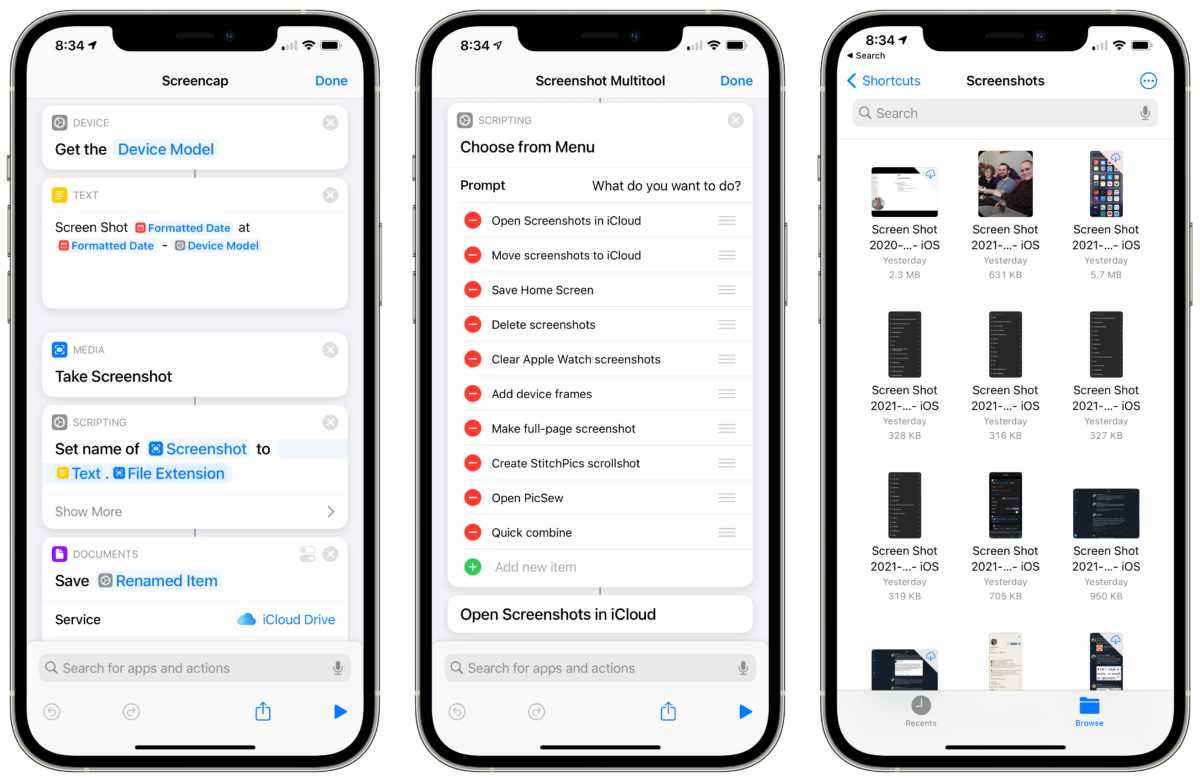
In the fifth stream for members, I walked through my Screenshots workflow, shared about the new actions coming in iOS 14.5, teased some of my SSH experiments, and gave hot takes on the Apple event – catch the full video below.
Tune in live next time Shortcuts.Live when it’s time – or add the calendar to see when future streams are scheduled.
This Thursday at 4:00pm PST, I’ll be hosting another member stream.
I’ll be walking through my Screenshots workflow, sharing about the new actions coming in iOS 14.5, teasing some of my SSH experiments, and giving hot takes on the Apple event.
Tune in live using Shortcuts.Live when it’s time – or add the calendar to see when future streams are scheduled.