Especially without an algorithm, it’s easy to feel like you need to read your whole Mastodon timeline just to keep up – Lists help a *lot* with that.
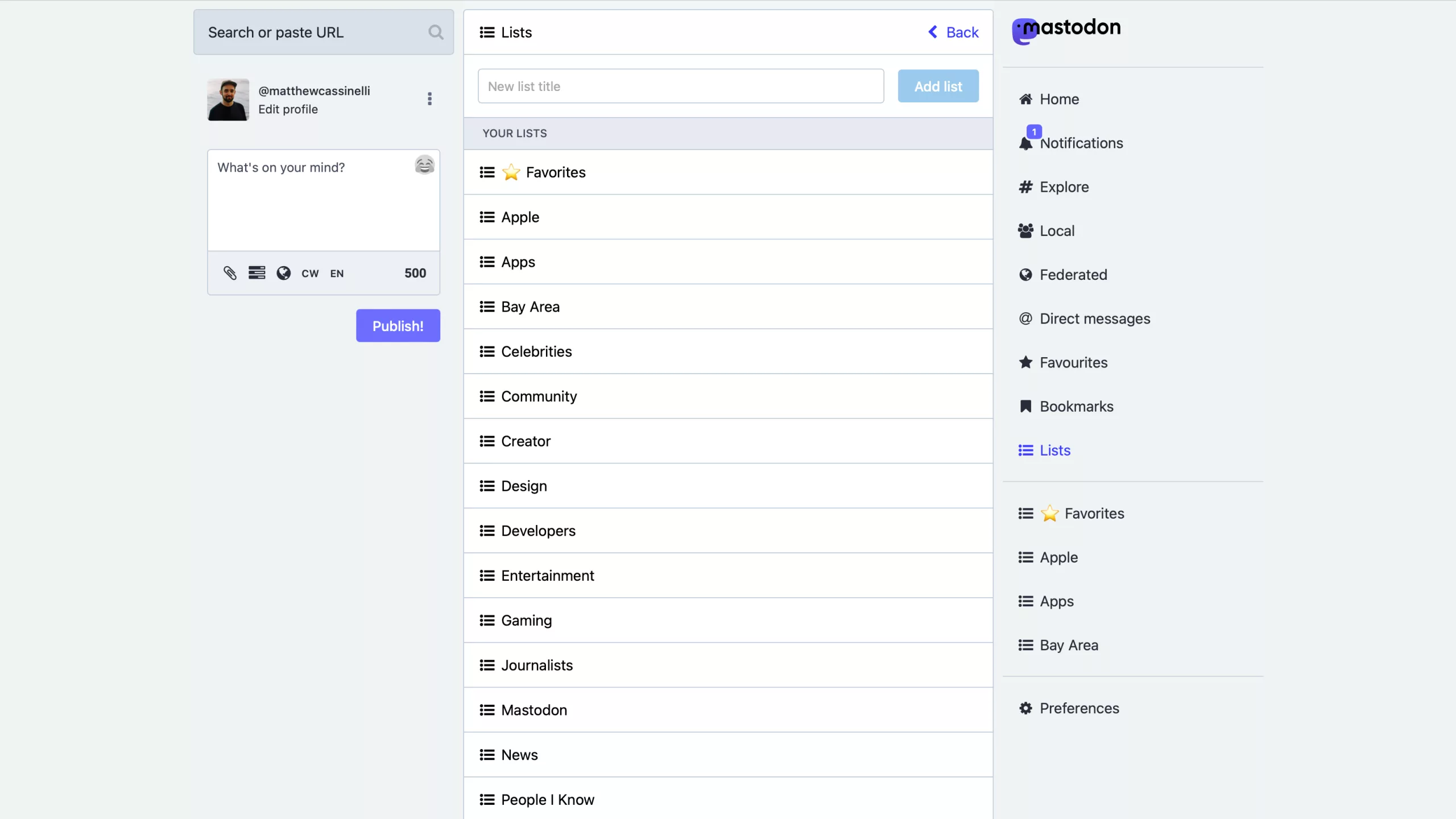
As someone who’s already spending significant time saving Mastodon accounts I’m following to Lists using Shortcuts, it’s easy enough to quickly access a few lists directly from the web browser.
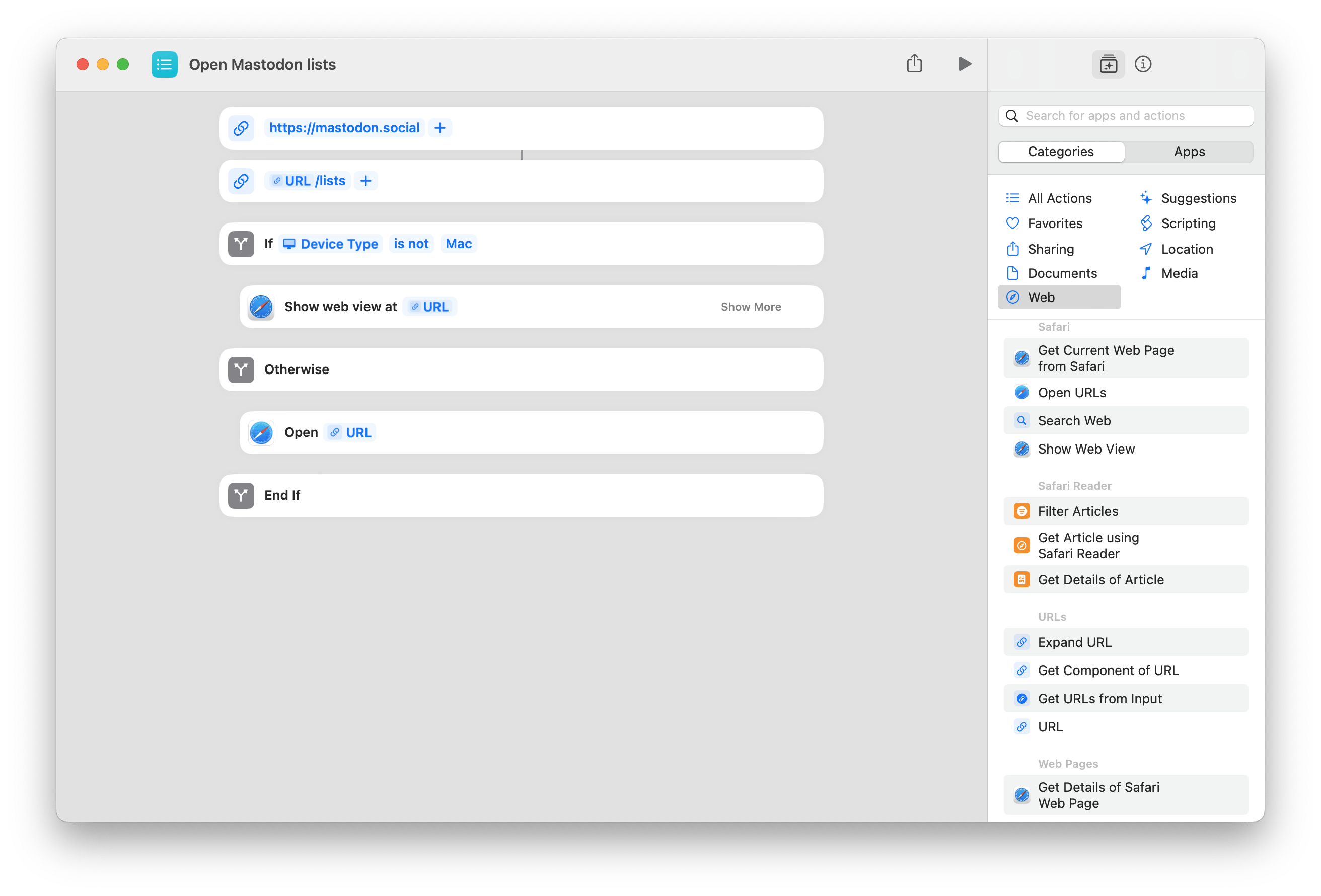
I already have a shortcut that takes me to the Lists page, but after using it these last two months, I find often I’m going back-and-forth to the Lists page to find each one. And I didn’t want to bookmark every single page, or make individual shortcuts for each one just to open it.
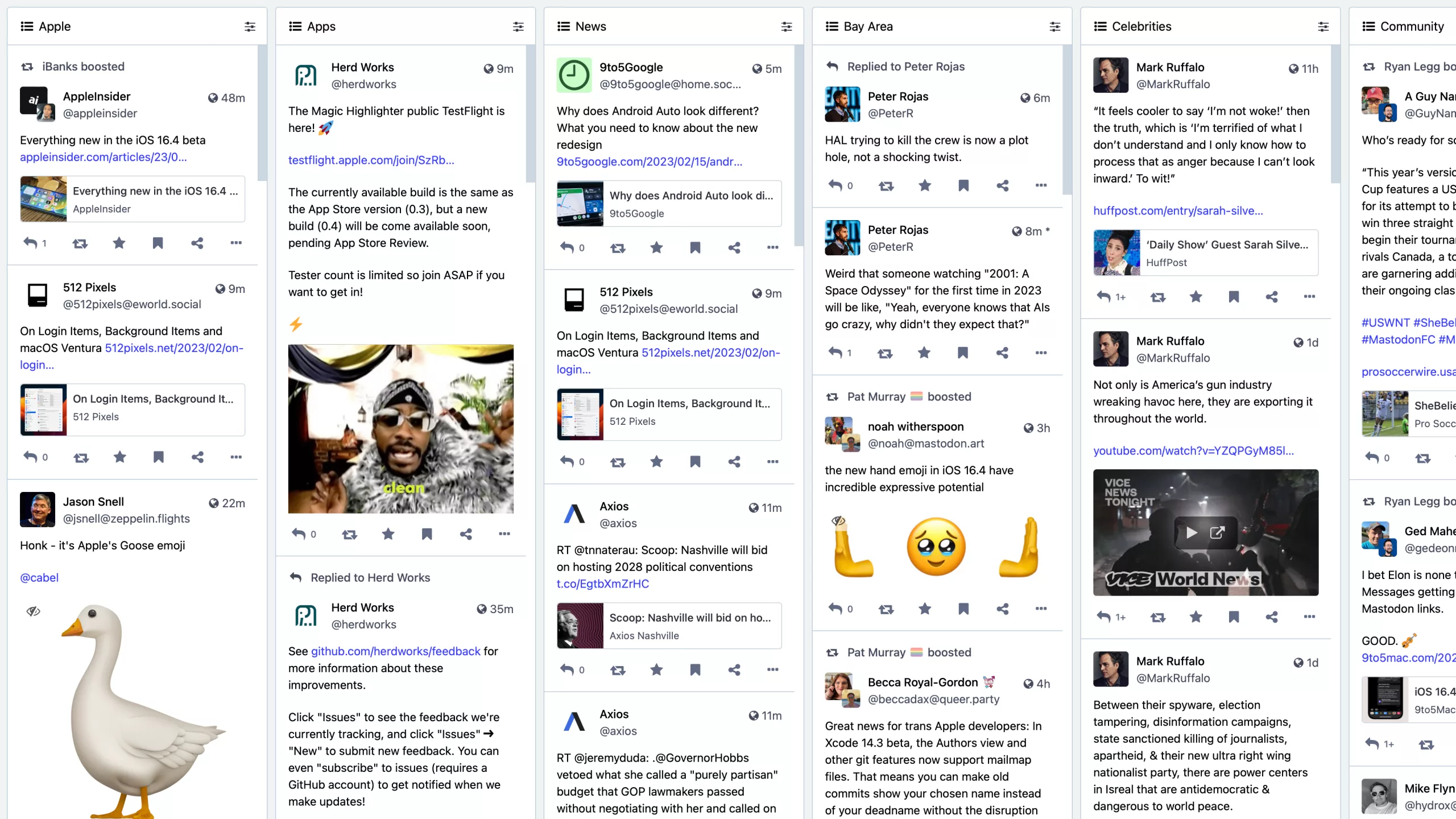
Plus, while I’m intrigued by Mastodon’s Advanced Interface—which lets you view all your Lists in Tweetdeck-style columns—it turns out that enabling that feature actually overrides the ability to view individual lists on the web at all – when enabled, List URLs redirect to your full deck view each time.
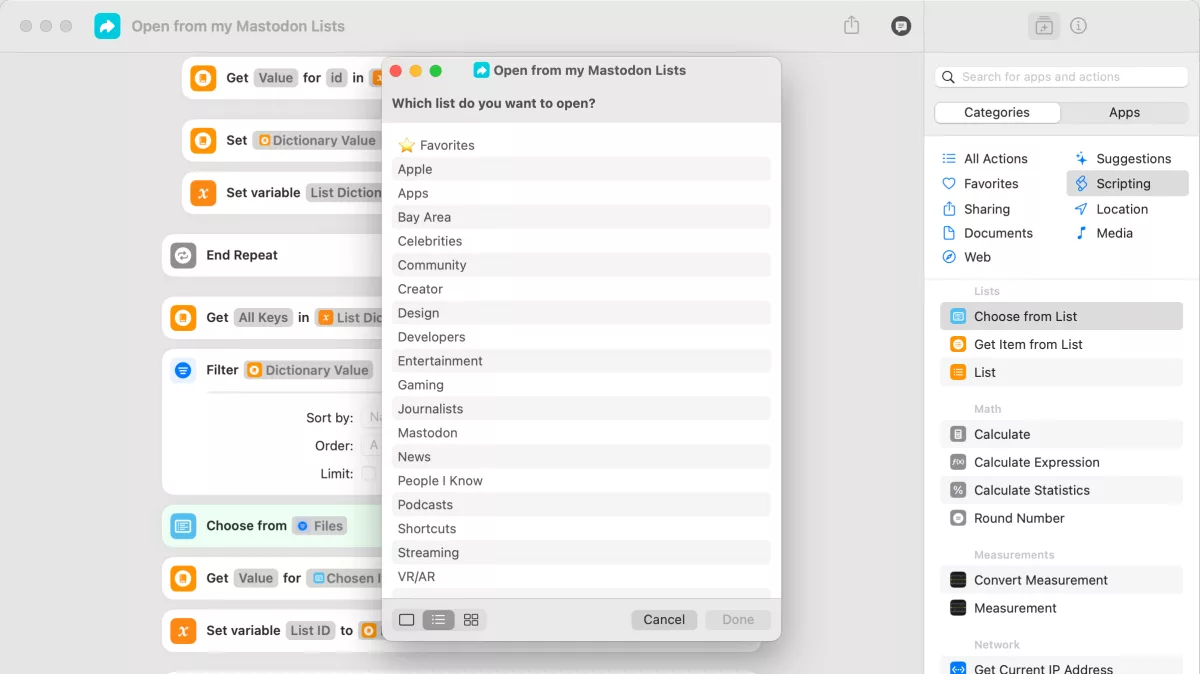
So, instead, I was left in search of a way to quickly pick from my Lists and open one on the web – enter Shortcuts.
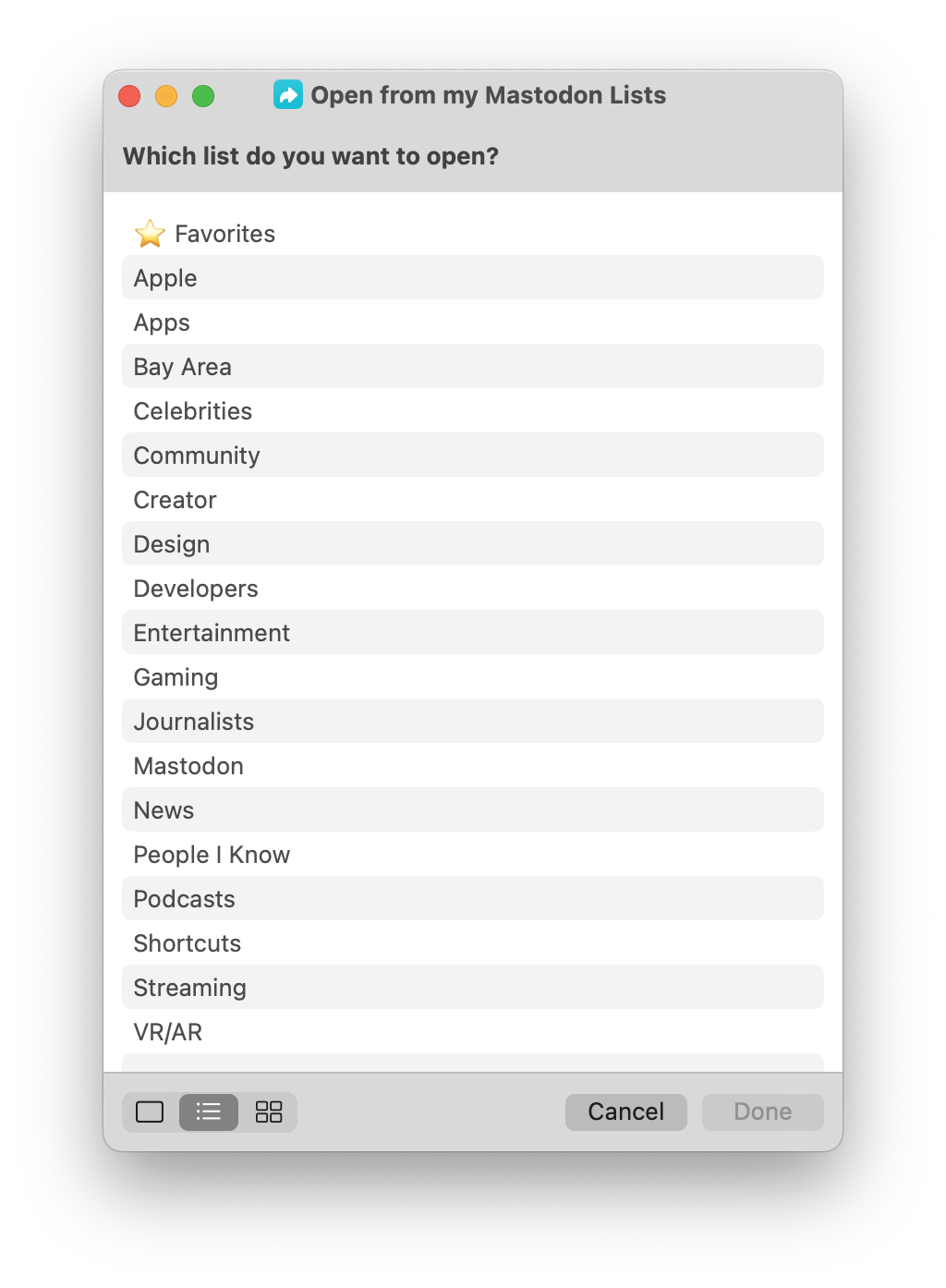
With a new shortcut that could let me pick from my Lists using Shortcuts’ menus, I could quickly find and access each one. On iPhone and iPad, this could live in a widget or be called up with Siri at any time, and on the Mac, I could use a keyboard shortcut or keep it in the Menu Bar and then use my arrow keys to quickly select a List to open.
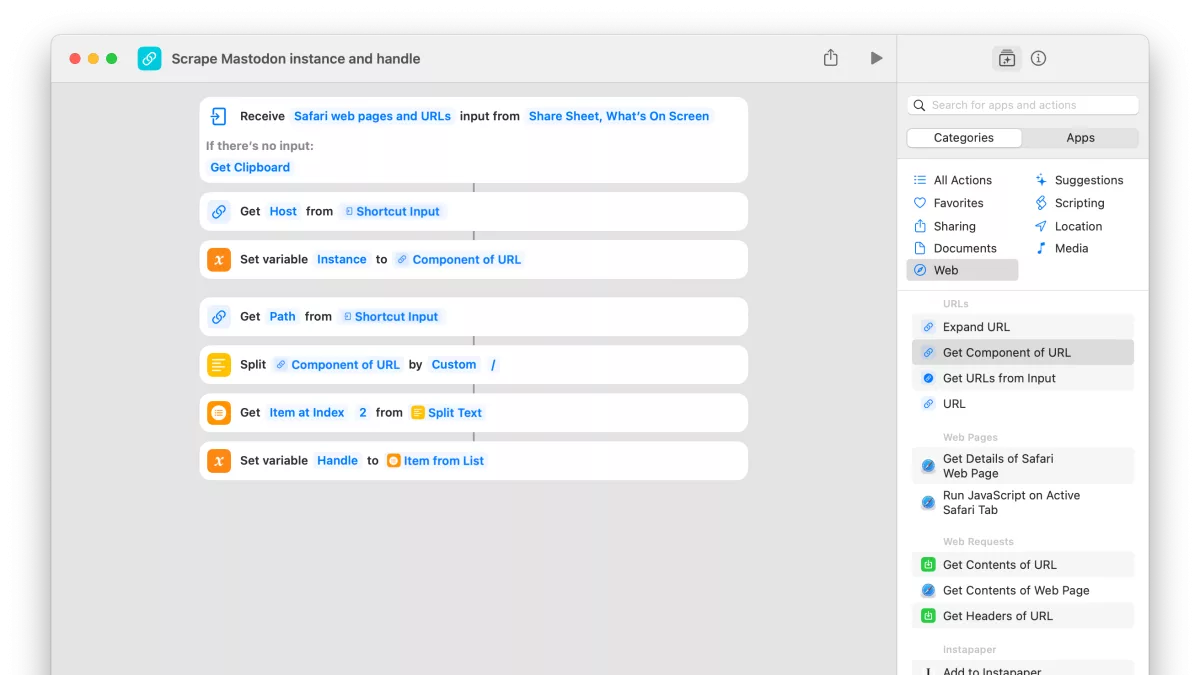
I also wanted to retrieve my List data to open as deep links into Ivory, so I decided to look into the Mastodon documentation and see what I could find — here’s what I ended up making:
This post is marked as members-only. Become a member to access the full piece.